Resolution: Set the resolution/quality for video recording.
Available options: 1080P 30FPS / 720P 30FPS
Exposure Value: Adjust exposure composition value to lighten or darken the preview screen.
Available options: +2.0 ~ -2.0
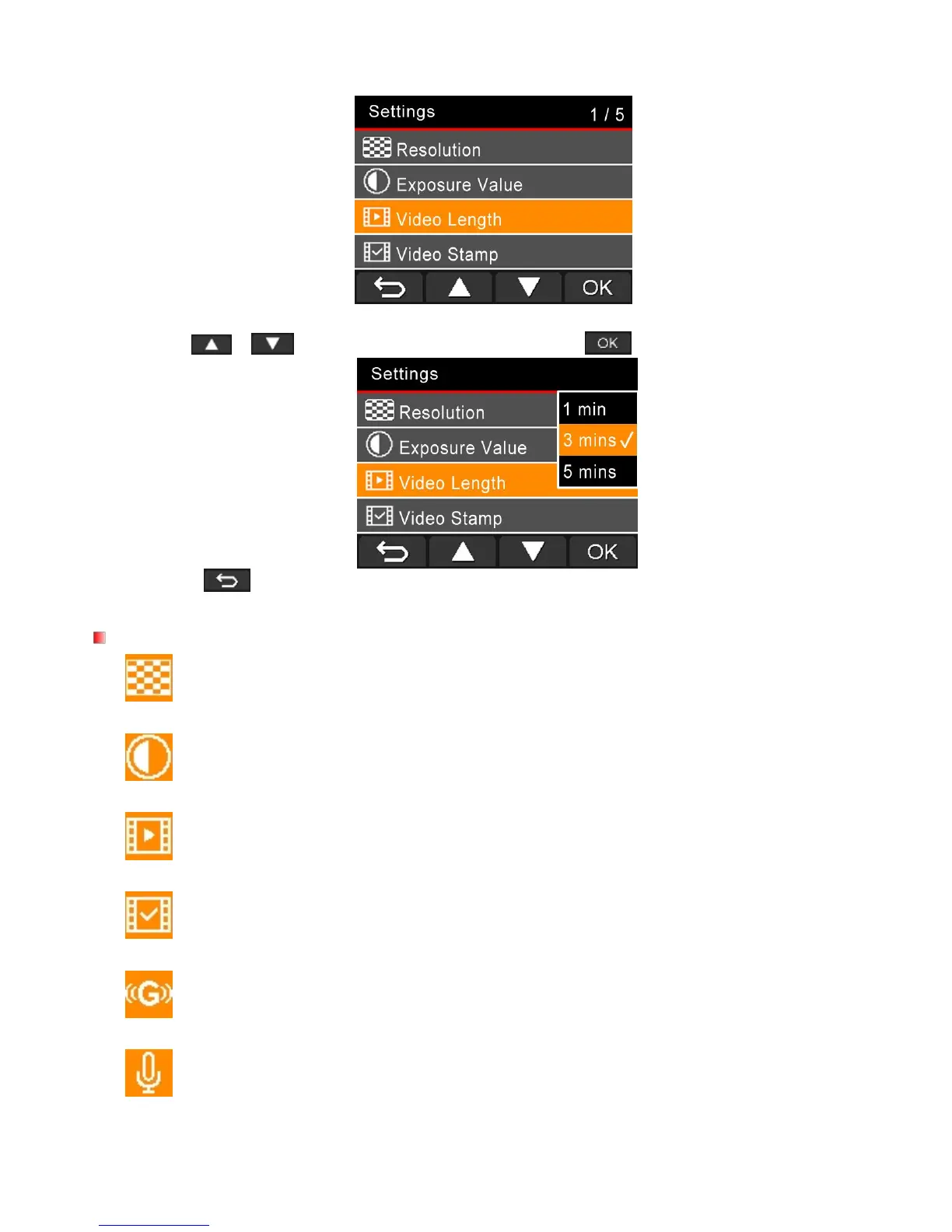
Video Length: Set the recording length of each recorded video file.
Available options: 1 min / 3 mins / 5 mins
Video Stamp: Display the current time of the event of the video being recorded.
Available options: Disable / Enable
G-Sensor: Adjust the sensitivity of the G-Sensor.
Available options: Disable / Low / Medium / High
Microphone: Turn on/off microphone during video recording.
Available options: Disable / Enable















 To Next Page