Chapter 1 Programmer Basics
TransCore Proprietary
1–11
AP4119 Host Software
The AP4119 Tag Programmer Host Software can be found on the provided TransCore USB Drive. The host
software is not necessary to use the AP4119 Rail Tag Programmer. Many customers prefer to use their
specific host software to communicate with the tag programmer. However, the AP4119 Tag Programmer
host software is required to download License Certificates to the AP4119 and to upgrade the AP4119 Rail
Tag Programmer software. Refer to the AP4119 Rail Tag Programmer Host Software User Guide
(16-4119-003) for detailed instructions.
Rail Tag Programmer Host Software
Install the rail tag programmer host software on the PC after properly connecting the hardware. The PC
must have both a hard disk and a USB port.
1. Make sure the PC is running.
2. Insert the provided USB Flash drive into an available USB port.
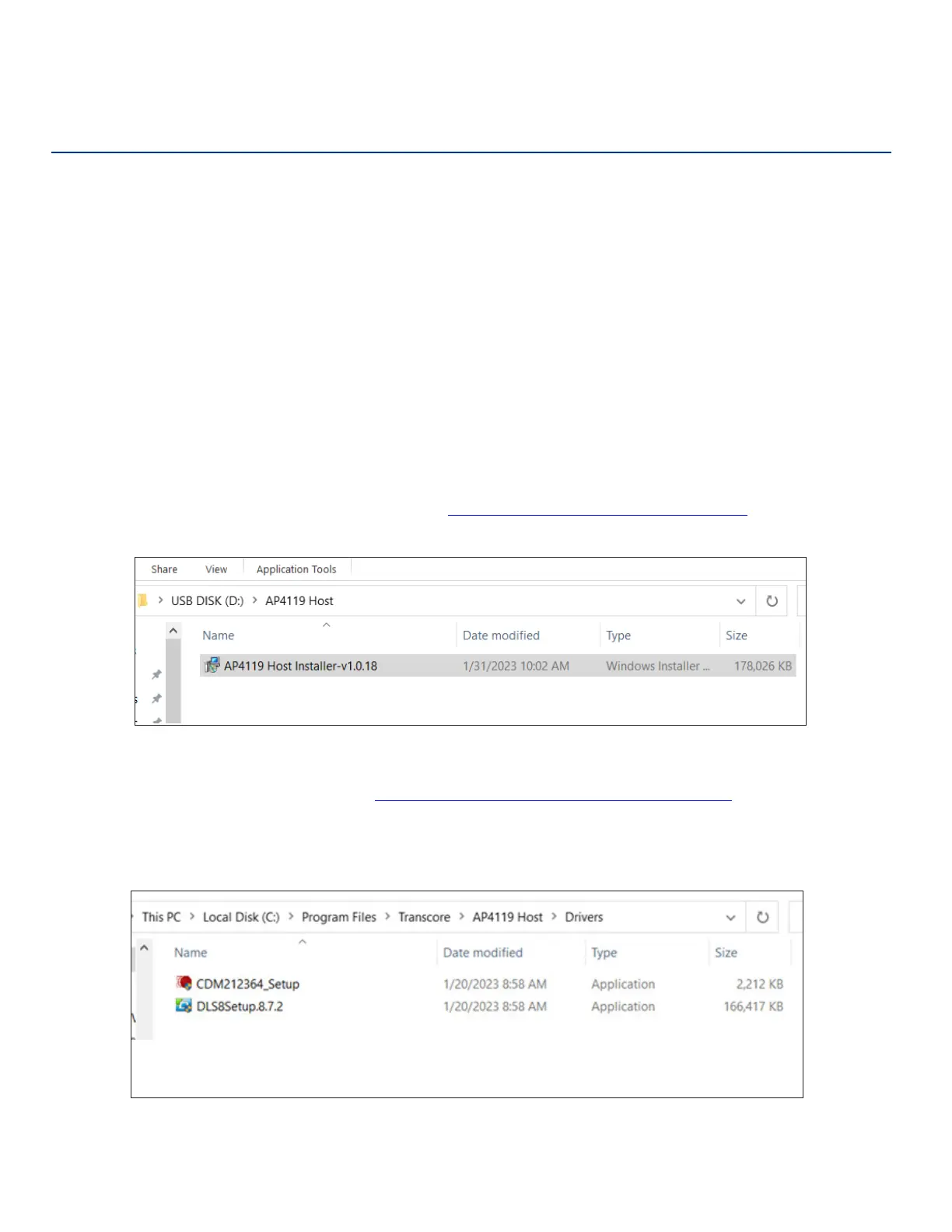
3. Open the AP4119 Host folder and click on the Install icon (Figure 4). Follow the instructions to create a
folder on the PC hard drive.
The host software is installed on the PC in C:\Program Files\Transcore\AP4119 Host and an icon is
added to the computer’s desktop as well as adding a shortcut to the computer’s Start Menu.
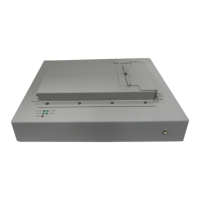
4. Install the USB and Label Printer Drivers (Figure 5).
Drivers are located on the PC in C:\Program Files\Transcore\AP4119 Host\Drivers.
The driver packages that need to be installed are:
• CDM212364_Setup.exe (The AP4119 USB Port Driver)
• DLS8Setup.8.7.2.exe (The DYMO® Label Printer Driver)
Figure 4 Host Software Installer
Figure 5 Label Printer and USB Drivers


 To Next Page