AP4119 Rail Tag Programmer User Guide
TransCore Proprietary
1–12
5. Remove the USB flash drive from the computer USB port and reboot the PC.
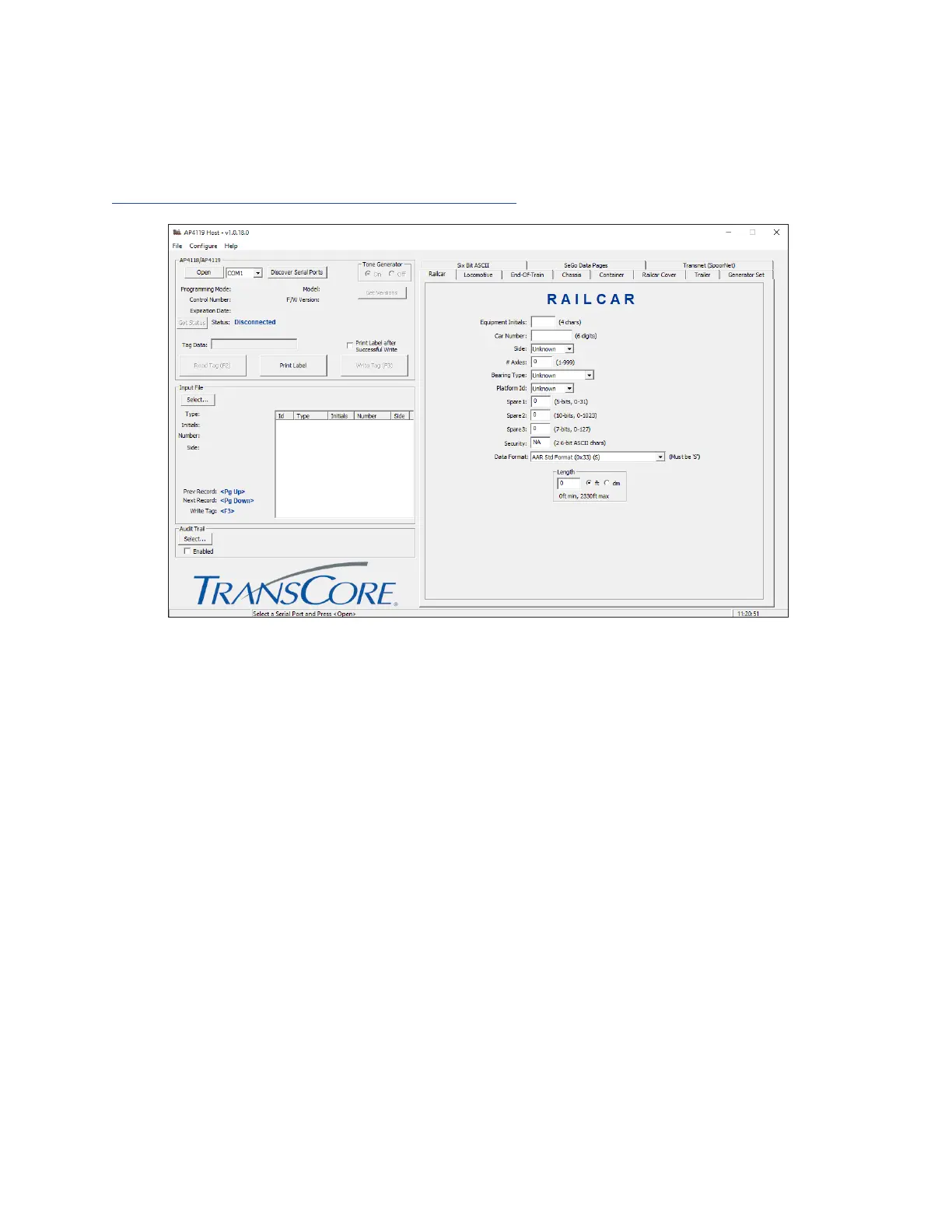
Figure 6 shows the host software main screen.
For complete instructions on how to install and operate the tag programming host software, refer to the
AP4119 Rail Tag Programmer Host Software User Guide.
Figure 6 Tag Programming Host Software Screen


 To Next Page