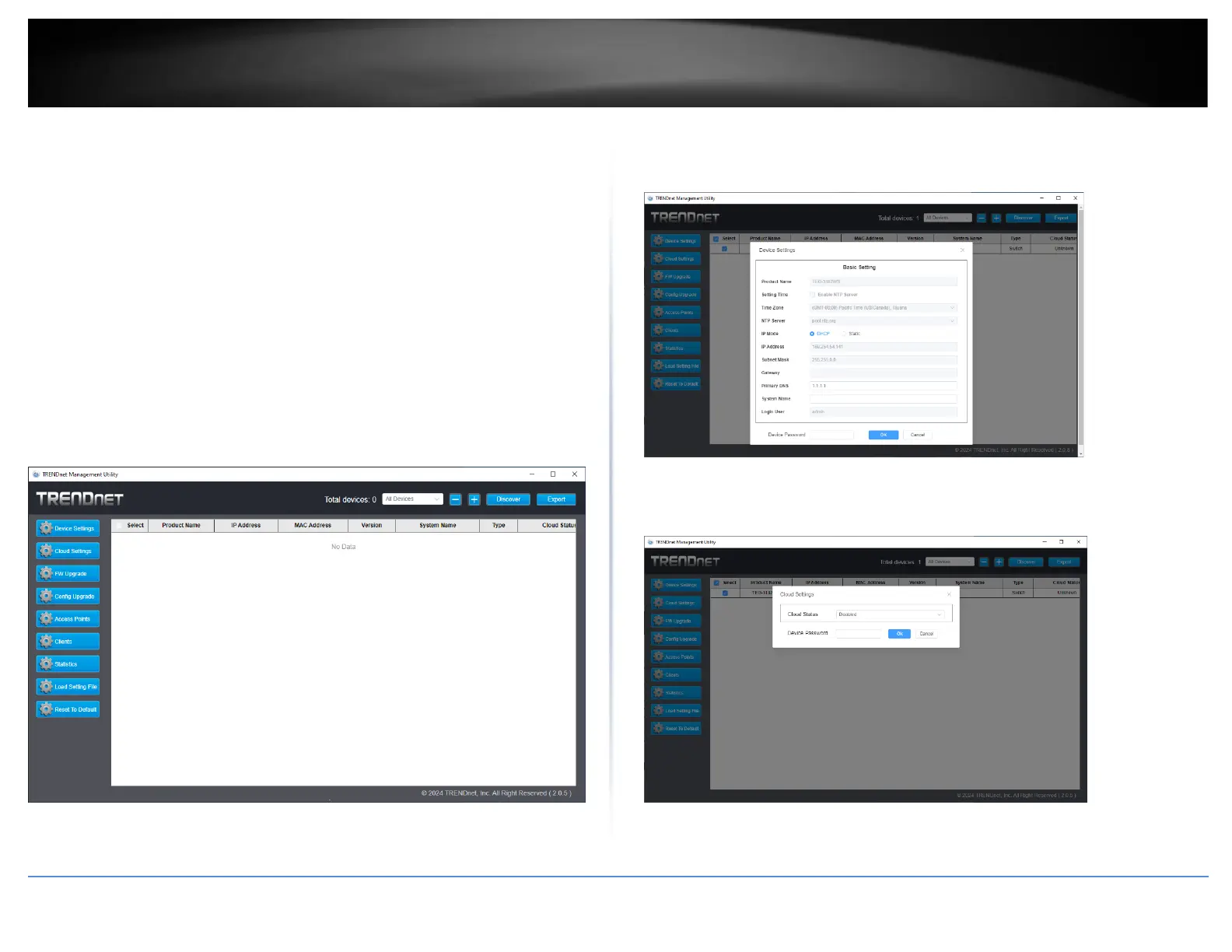
Home Page
This is where you can discover all the Web Smart switches in your network.
By pressing the “Discover” button, you can list all the Web Smart switches in the
discovery list.
System word definitions in the Discovery List:
⚫ Product Name: Shows the device product name.
⚫ IP Address: Shows the current IP address of the device.
⚫ MAC Address: Shows the device MAC Address.
⚫ Protocol version: Shows the version of the Utility protocol.
⚫ Version: Shows the firmware version of the device
⚫ System Name: Shows the appointed device system name.
⚫ Type: Shows the type of device, like switch or access point.
⚫ Cloud Status: Shows the status of the TRENDnet Hive connection
Device Settings
You can change several device settings like the IP address in this section. Most other
settings must still be performed in the web browser using this IP address.
To change settings, make the desired changes, then enter the device password and press
OK.
Cloud Settings
You can turn the TRENDnet Hive connection on or off











 To Next Page