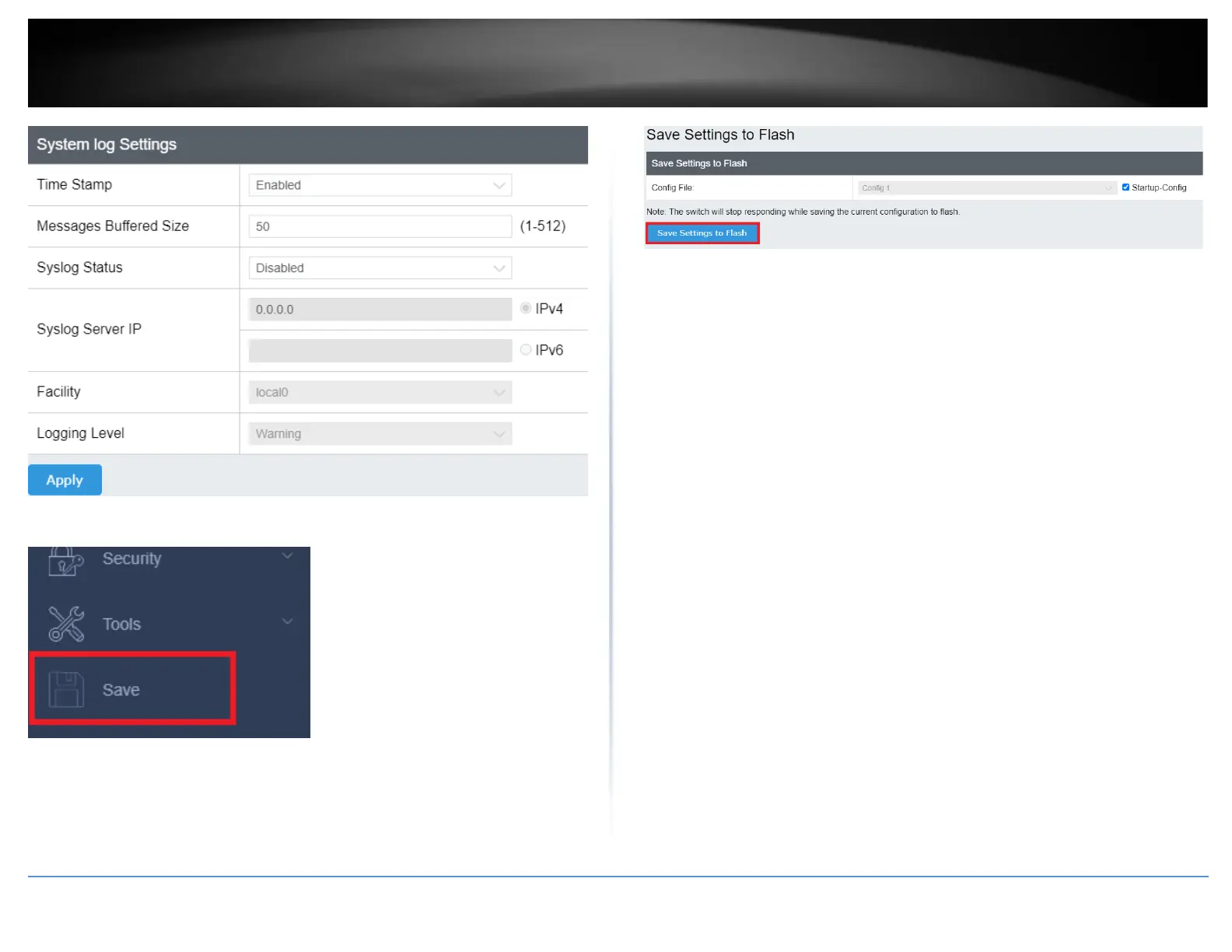
4. At the bottom of the left-hand panel, click Save.
5. Select the Config you would like to save the settings to, click Save Settings to Flash,
then click OK.
Note: This step saves all configuration changes to the NV-RAM to ensure that if the
switch is rebooted or power cycled, the configuration changes will still be applied.











 To Next Page