©Copyright2013TRENDnet.AllRightsReserved.
TRENDnetUser’sGuide
TEW‐733GR
43
Metric: Enter the metric value for the route.
Interface: Select the Interface that will use this route.
Click the Save Settings button to accept the changes made.
Click the Don’t Save Settings button to discard the changes made.
Routing > Routing Table
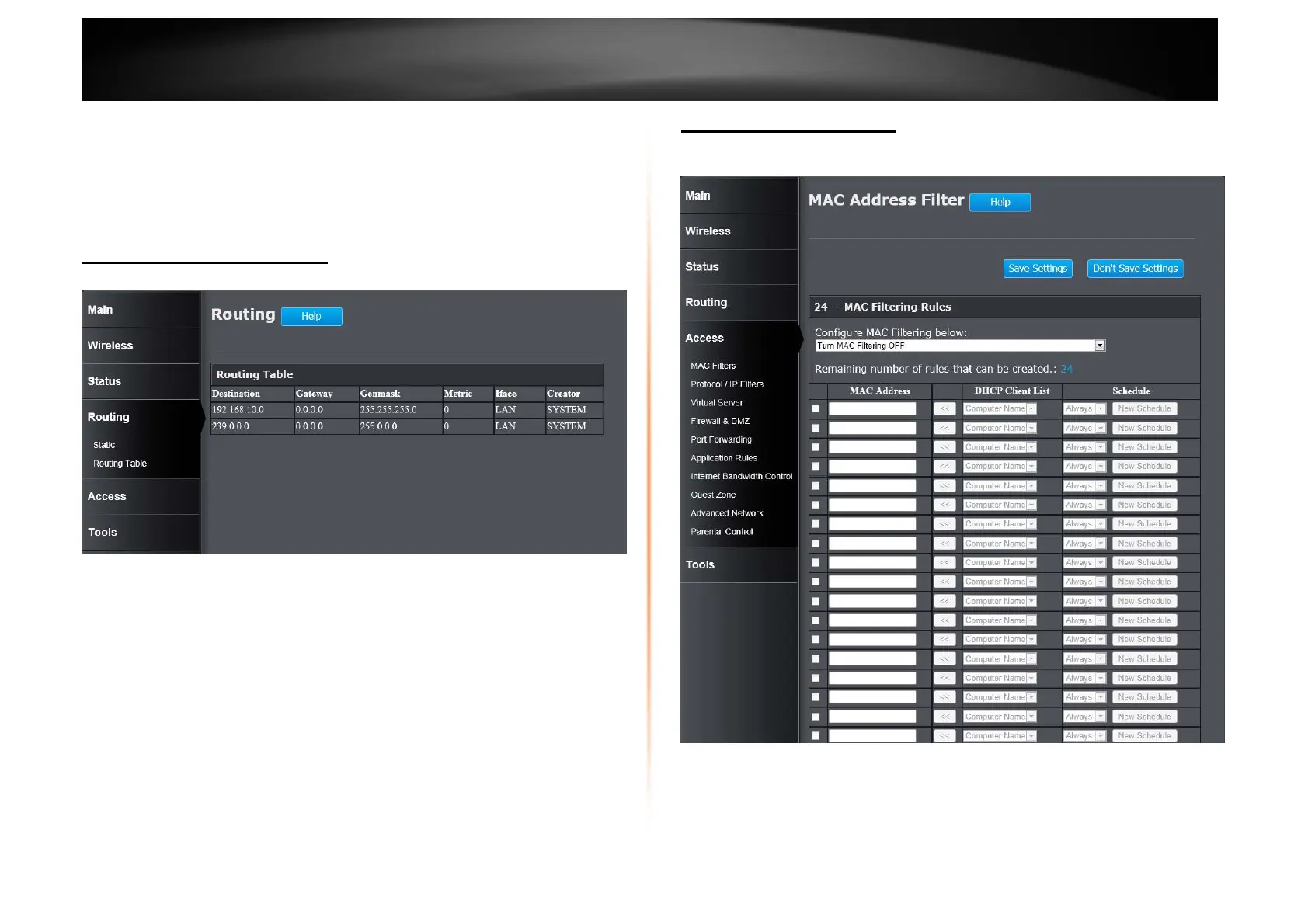
This window displays a list of active IPv4 routing sessions on the Router.
Access > MAC Filters
This window allows you to configure the MAC address filter. The rules can be set
up to 24 entries.
Configure MAC Filtering below: Select the MAC filtering method. Select Turn
MAC Filtering OFF to disable this feature. Select Turn MAC Filtering ON and
ALLOW computers listed to access the network to enable this feature and
only allow the computers, by MAC address, to access the network. Select Turn
MAC Filtering ON and DENY computers listed to access the network to















 To Next Page