©Copyright2013TRENDnet.AllRightsReserved.
TRENDnetUser’sGuide
TEW‐733GR
32
Enable Auto Channel Scan: Tick the check box to allow the router to find and
use the wireless channel with the least interference in your environment.
Wireless Channel: Deselect Enable Auto Channel Scan to be able to
configure this. Use the drop-down menu to select a wireless channel.
Transmission Rate: Select the wireless transmission rate. It is advisable to keep
this option on Best (Automatic).
Channel Width: Select the wireless channel width used. Options to choose from
are 20MHz and 20/40MHz (Auto).
Visibility Status: Click Invisible to hide the Wireless SSID and Visible to reveal
it.
WMM Enable: WMM is QoS for your wireless network. This will improve the
quality of video and voice applications for your wireless clients.
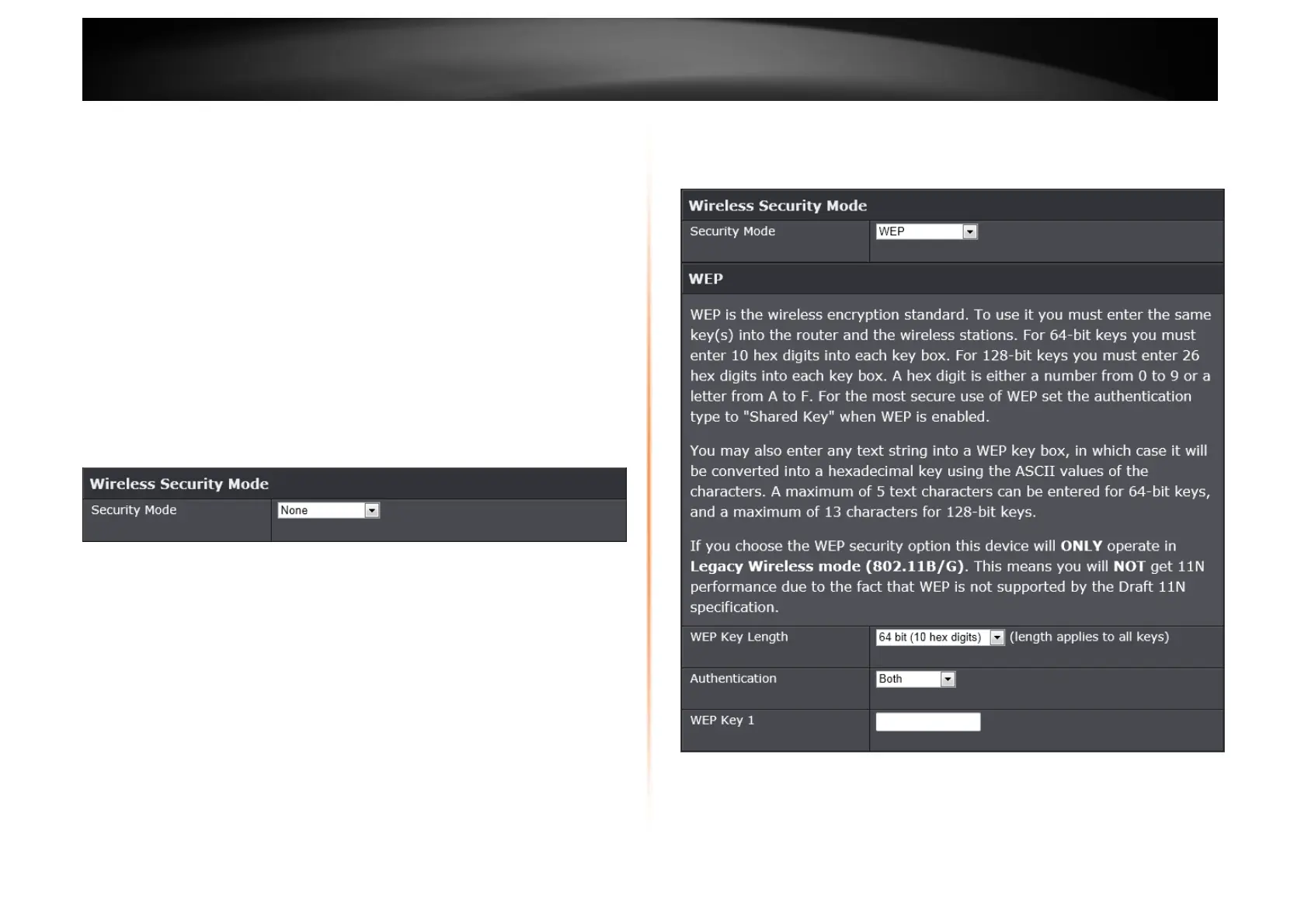
Wireless Security Mode
This section allows you to select various wireless security modes. The
corresponding configuration will then appear at the bottom half of the window.
Available options are None, WEP, WPA-Personal and WPA-Enterprise.
Wireless Security Mode – None
By selecting this mode, there will be no wireless security applied to your wireless
network. This means that anyone with a wireless adapter can connect to your
network.
Wireless Security Mode – WEP
Wired Equivalent Privacy (WEP) is any entry level wireless security method that
we can use to prevent unauthorized wireless access to this router. WEP is not a
very secure option, but it is better than no wireless security.
WEP Key Length: Select the WEP Key Length value as 64 bit (10 hex digits)
or 128 bit (26 hex digits).















 To Next Page