©Copyright2013TRENDnet.AllRightsReserved.
TRENDnetUser’sGuide
TEW‐733GR
54
To Email Address: Enter the recipient’s email address.
Email Subject: Enter the email’s subject information.
SMTP Server Address: Enter the SMTP server’s IP address.
SMTP Server Port: Enter the SMTP server’s port number.
Enable Authentication: Tick the check box to enable SMTP authentication.
Account Name: Enter the email account username.
Password: Enter the email account password.
Verify Password: Re-type the email account password.
Email Log when Full
Enable Log When Full: Tick the check box to send out an email when the log
space is close to depletion.
Click the Save Settings button to accept the changes made.
Click the Don’t Save Settings button to discard the changes made.
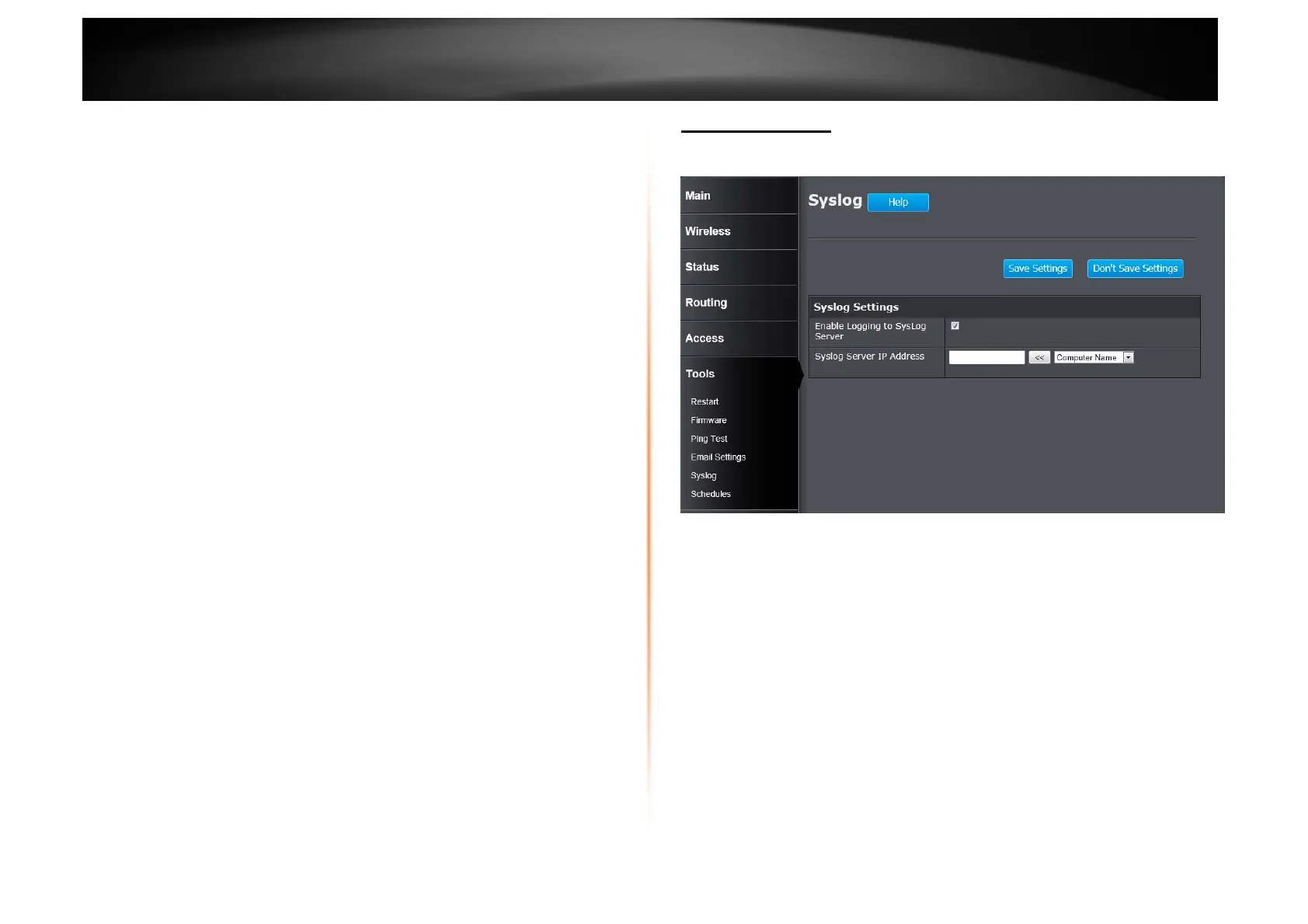
Tools > Syslog
The Router keeps a running log of events and activities occurring on the Router.
You may send these logs to a SysLog server on your network.
Enable Logging to SysLog Server: Tick the box to send the router logs to a
SysLog Server.
Syslog Server IP Address: Enter the IP address of the Syslog server.















 To Next Page