©Copyright2013TRENDnet.AllRightsReserved.
TRENDnetUser’sGuide
TEW‐733GR
45
Click the button box of the corresponding entry to modify the entry. Click the
button of the corresponding entry to remove the entry.
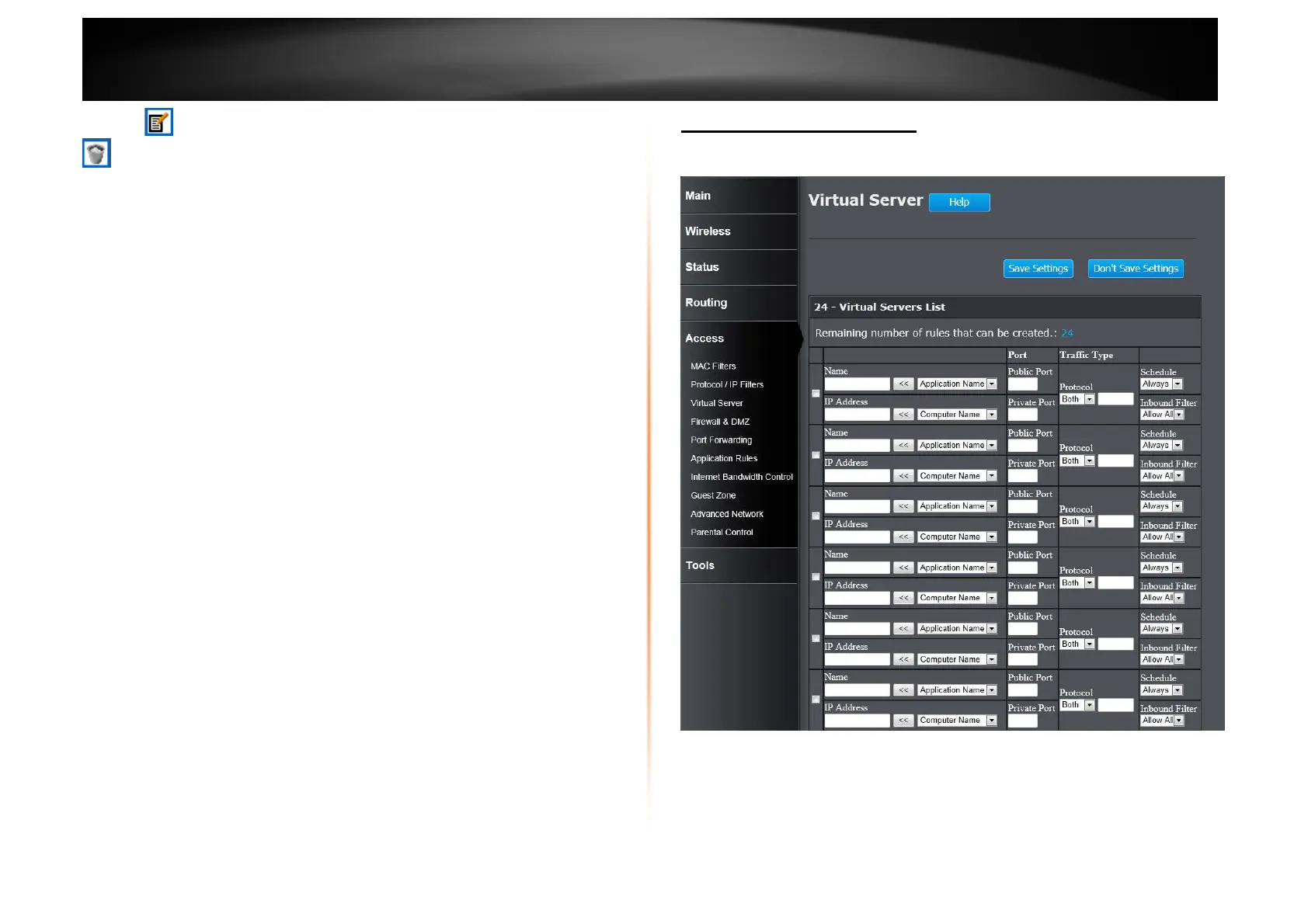
Access > Virtual Server
This window allows you to configure the virtual server settings. The rules can be
set up to 24 entries.
Checkbox: Tick the check box of each entry to enable the selected rule.
Name: Enter or select the application name for the rule.
IP Address: Enter or select the IP address or computer name for the rule.
Public Port: Enter the public port number.
Private Port: Enter the private port number.















 To Next Page