©Copyright2013TRENDnet.AllRightsReserved.
TRENDnetUser’sGuide
TEW‐733GR
8
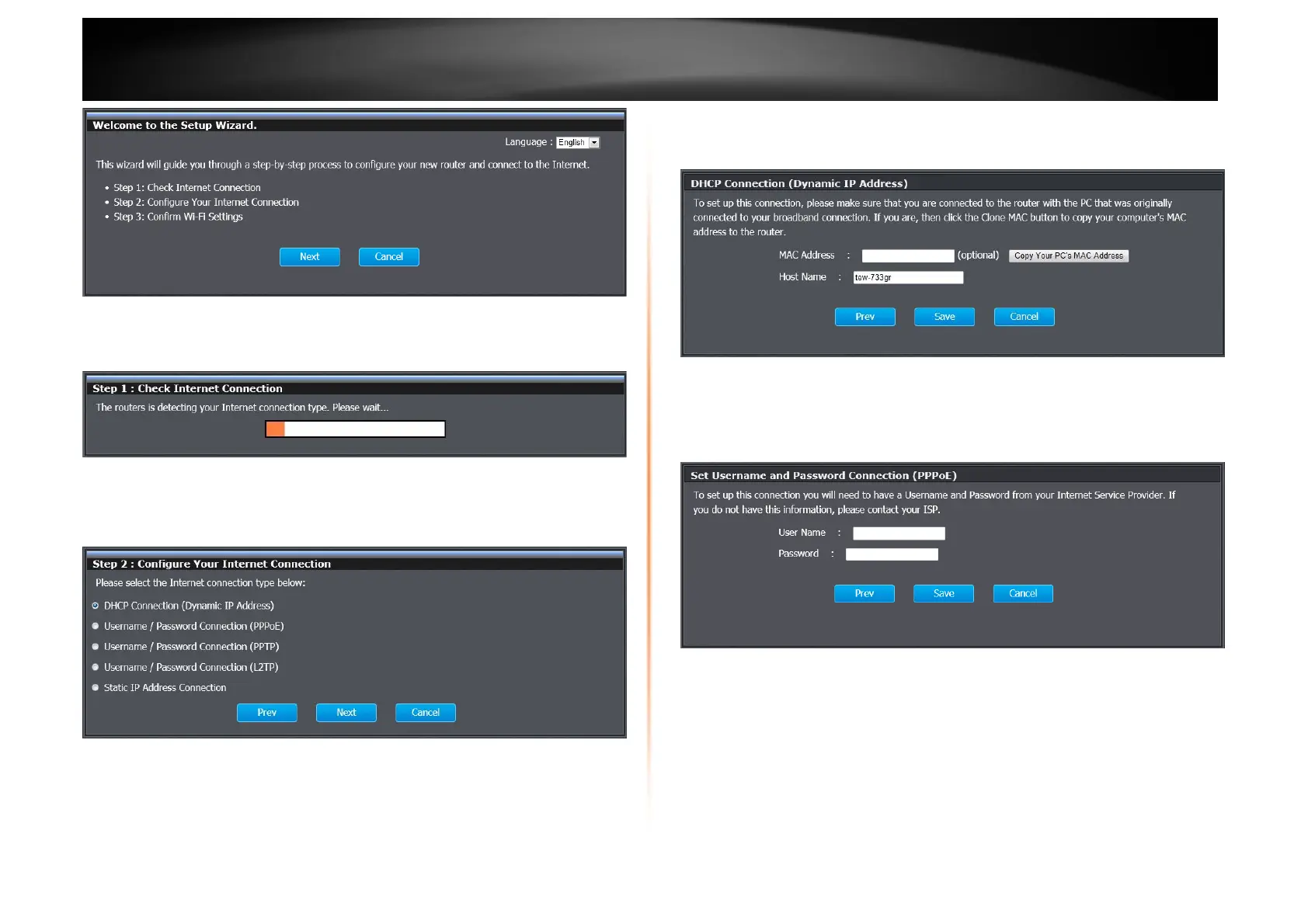
Step 1: Check Internet Connection
The router is checking the available Internet connection type.
Step 2: Configure Your Internet Connection
Select one of the connection types for the router. Click the radio button and Next
to continue.
DHCP Connection
When selecting DHCP, this window appears for you to configure. Click Save to
implement the changes and continue.
PPPoE
When selecting PPPoE, this window appears for you to configure. Enter the
PPPoE user name and password provided by the ISP. Click Save to implement
the changes and continue.















 To Next Page