©Copyright2013TRENDnet.AllRightsReserved.
TRENDnetUser’sGuide
TEW‐733GR
48
Traffic Type: Select the traffic type. Options to choose from are All, TCP, and
UDP.
Schedule: Select the time schedule option.
Click the Save Settings button to accept the changes made.
Click the Don’t Save Settings button to discard the changes made.
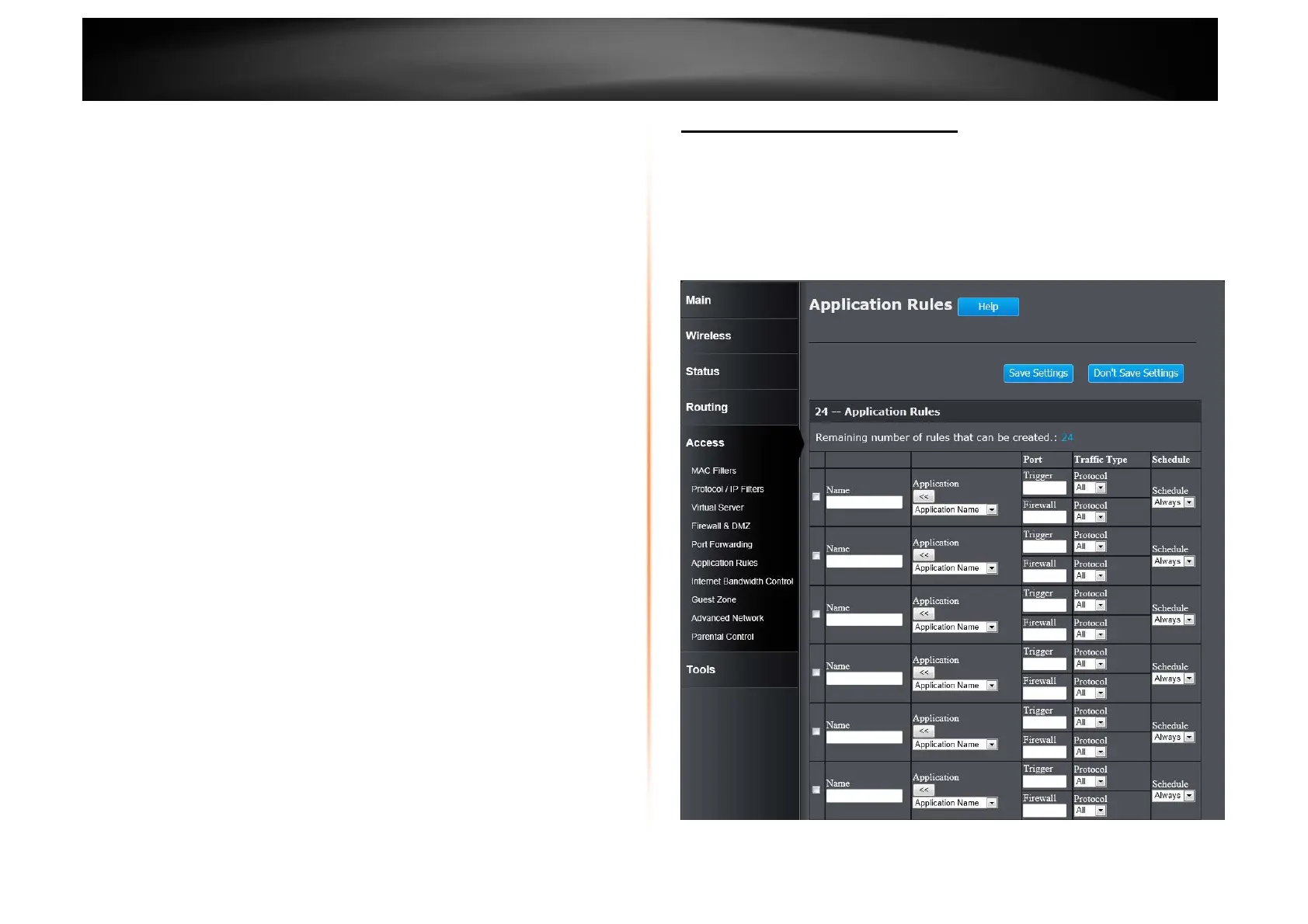
Access > Application Rules
Some applications require multiple connections, such as Internet gaming, video
conferencing, Internet telephony and others. These applications have difficulties
working through NAT (Network Address Translation). Special Applications makes
some of these applications work with the Router. If you need to run applications
that require multiple connections, specify the port normally associated with an
application in the Trigger field, select the protocol type as TCP or UDP, then
enter the firewall (public) ports associated with the trigger port to open them for
inbound traffic.
Checkbox: Tick the check box of each entry to enable the selected rule.















 To Next Page