14
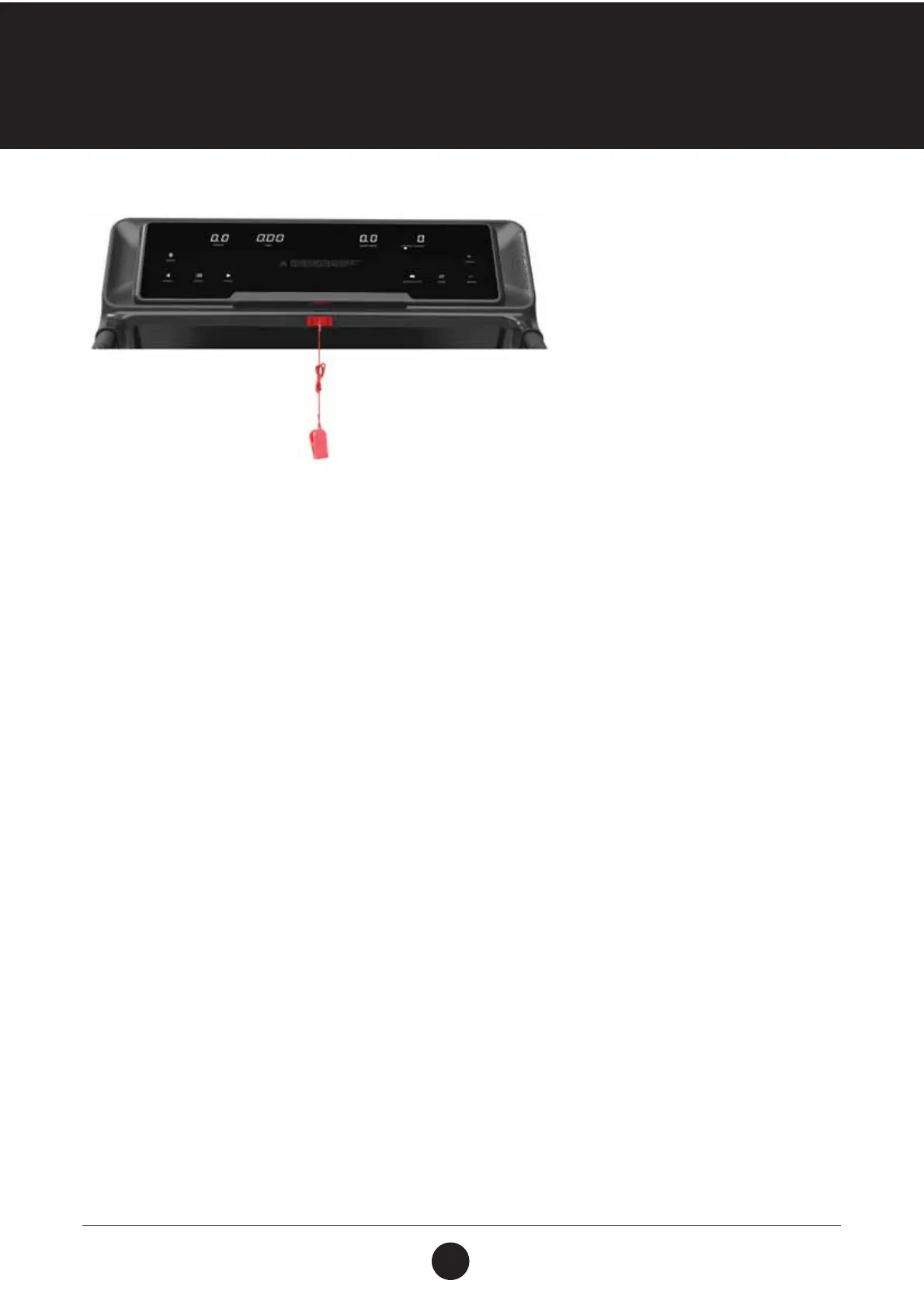
FUNCTION BUTTONS
• SPEED: Displays speed and program
• TIME: Displays running time
• DIST: Displays distance
• CAL: Displays calories
• PUL: Displays heart rate data
FUNCTIONS AND OPERATIONS:
• PROG: Press button and select from manual mode to “P1 - P15, U1 - U3 U1 — FAT”.
• MODE: Select the manual mode, having the three running modes.“TIME” is the time count
down, “DIS” is distance count down and “CAL” calorie count down.
• START: Before pressing start ensure safety key is attached to your persons. Once secure,
press start to begin your work out.
• STOP: Press this button to stop the machine and the machine will gradually slow down until
coming to a complete stop.
• SPEED: These buttons are used to adjust the speed of the running belt.
• INCLINE: These buttons are used to adjust the incline of the running belt. Press the button to
adjust the incline when running and whilst the treadmill is in ready state.
• BUTTON ON LEFT HANDLE BAR: Incline increase or decrease.
• BUTTON ON RIGHT HANDLE BAR: Speed increase or decrease.
MAIN FUNCTION
Turn on the power switch and the screen will illuminate, and the machine will enter standby mode.
START-UP QUICKLY (MANUAL):
Put the safety key in the console, press the Start button, within 3 seconds, the treadmill will start running
from the lowest speed, increase and decrease speed by pressing the corresponding SPEED button. You can
also press quick key or press button to adjust rails. To stop running, press the stop button or pull off the
safety key.
CONSOLE FUNCTIONS



 To Next Page