EasyManua.ls Logo

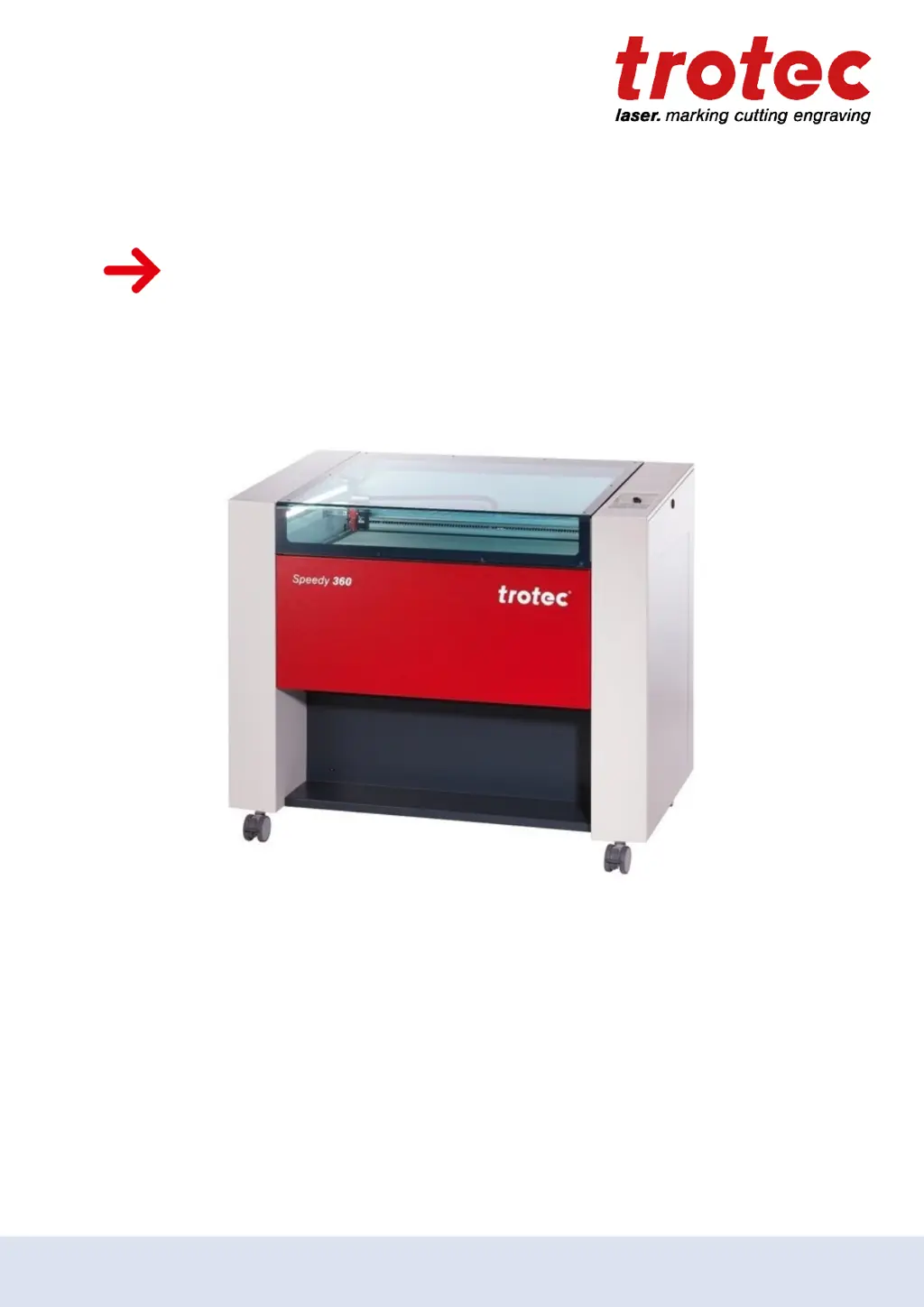
Trotec Speedy 360 - User Manual

Trotec Speedy 360
97 pages
Print Icon
To Next Page IconTo Next Page
Loading...
Speedy 360
Operating manual
8030
OM 8030_4.4_EN (07/2019)
ENGLISH (Translation)
Speedy 360
Operating manual
8030
OM 8030_4.4_EN (07/2019)
ENGLISH (Translation)

Table of Contents

Other manuals for Trotec Speedy 360

Questions and Answers

  • D
    Debra MahoneyAug 19, 2025
    Why is there no visible marking result on my Trotec Speedy 360?
    • A
      Angela RodriguezAug 19, 2025
      If you're not seeing any marking results with your Trotec Engraver, it could be due to several reasons. The laser power might be too low, so try increasing the power setting. Alternatively, the speed could be too high, so reduce the speed. Also, ensure that the material is properly focused; check the focus. Verify that you are using the correct focus tool. If using autofocus, check the settings within the software, including the lens, material thickness, and table settings.
  • B
    ballardallisonAug 21, 2025
    What to do if the engraving size on my Trotec Engraver doesn't match the size in CorelDraw?
    • G
      Gabriel SullivanAug 21, 2025
      If the engraved or cut size doesn't match the size in CorelDraw when using your Trotec Engraver, there are a few potential causes. First, check if raster correction is enabled in the software and switch it off, you can find this setting in settings/advanced options/laser tab. Ensure that the size settings in the printer driver match those in CorelDraw. Also, verify that the correct image position is selected in the layout tab (printing); the layout settings should be set to 'as in document'. Lastly, confirm that the proper machine is selected in the software.
  • T
    Tammy RoblesAug 23, 2025
    Why are cut lines missing when using my Trotec Speedy 360 Engraver?
    • C
      Christopher BanksAug 25, 2025
      If you're experiencing missing cut lines with your Trotec Engraver, there are a few things to check: * Ensure that the number of passes in the material database is sufficient; increase it if necessary. * Reduce the line thickness in CorelDraw to the smallest possible value. * Confirm that the color is set to cutting in the database; the color may have been skipped in the software.
  • S
    Stephanie CummingsAug 26, 2025
    How to fix too low engraving depth on my Trotec Engraver?
    • U
      uhensleyAug 26, 2025
      If you're experiencing too low engraving depth with your Trotec Engraver, it could be due to imprecise focusing. Check the focus. Also, dirty optics can cause this issue, so clean the optics.
  • G
    garciaronaldAug 27, 2025
    What to do if my Trotec Speedy 360 has no response upon switching on?
    • K
      Kevin HawkinsAug 28, 2025
      If your Trotec Engraver doesn't respond when you switch it on, check the fuses to see if one has blown. Also, ensure that there is electric power at the power outlet.
  • S
    susancurtisAug 30, 2025
    Why is there no communication with my Trotec Engraver?
    • A
      Alicia KnappAug 30, 2025
      If you're experiencing no communication with your Trotec Engraver, verify that you have the correct COM port selected; if not, change the selection. Check the communication cable for any defects. Also, ensure that the COM port is not in use by another program; close the other program or change the COM port.
  • M
    Michael WestSep 1, 2025
    Why are the edges blurred when using my Trotec Speedy 360 Engraver?
    • M
      Maria WashingtonSep 1, 2025
      Blurred edges on your Trotec Engraver are often due to imprecise focusing. Ensure to check the focus.
  • C
    Craig WardSep 3, 2025
    What causes offsets between engraving jobs and cut lines on my Trotec Speedy 360?
    • A
      April GillespieSep 3, 2025
      If you notice offsets between engraving jobs and cut lines on your Trotec Engraver, the speed may be too high. Try reducing the speed.
  • C
    Cory WoodSep 5, 2025
    Why are corners and angles not cut or marked on my Trotec Engraver?
    • A
      Alicia AndersonSep 5, 2025
      If corners and angles are not being cut or marked properly on your Trotec Engraver, the power might be too low. Increase the correction in the software, which can be found in Settings / Material Templates Setup - Correction.
  • J
    John WilliamsSep 7, 2025
    Why is the connection to my Trotec Speedy 360 frequently interrupted?
    • K
      Kevin StewartSep 7, 2025
      If the connection to your Trotec Engraver is frequently interrupted, it may be due to electromagnetic emissions. Ensure that the machine and computer are connected to the same electric circuit, and do not exceed the original cable lengths.

Trotec Speedy 360 Specifications

General IconGeneral
Max. Speed3.55 m/s
Laser TypeCO2 Laser
SoftwareJobControl
Resolution1, 000 dpi
Positioning Accuracy0.1 mm
Repeatability± 0.01 mm
Power Supply110 - 240 V, 50/60 Hz
Weight220 kg
Laser Power10 - 120 watts

Related product manuals