Averaging Mode
In averaging mode, you can take up to 30 measurements at
selected locations. The gauge will calculate the average of
these measurements, allowing you to determine the average
density over a larger area.
1. Extend the telescoping handle (see Figure 1–1) to reduce
the bending required while taking measurements.
2. To take a measurement in averaging mode, select the
mode as described on page 2–18.
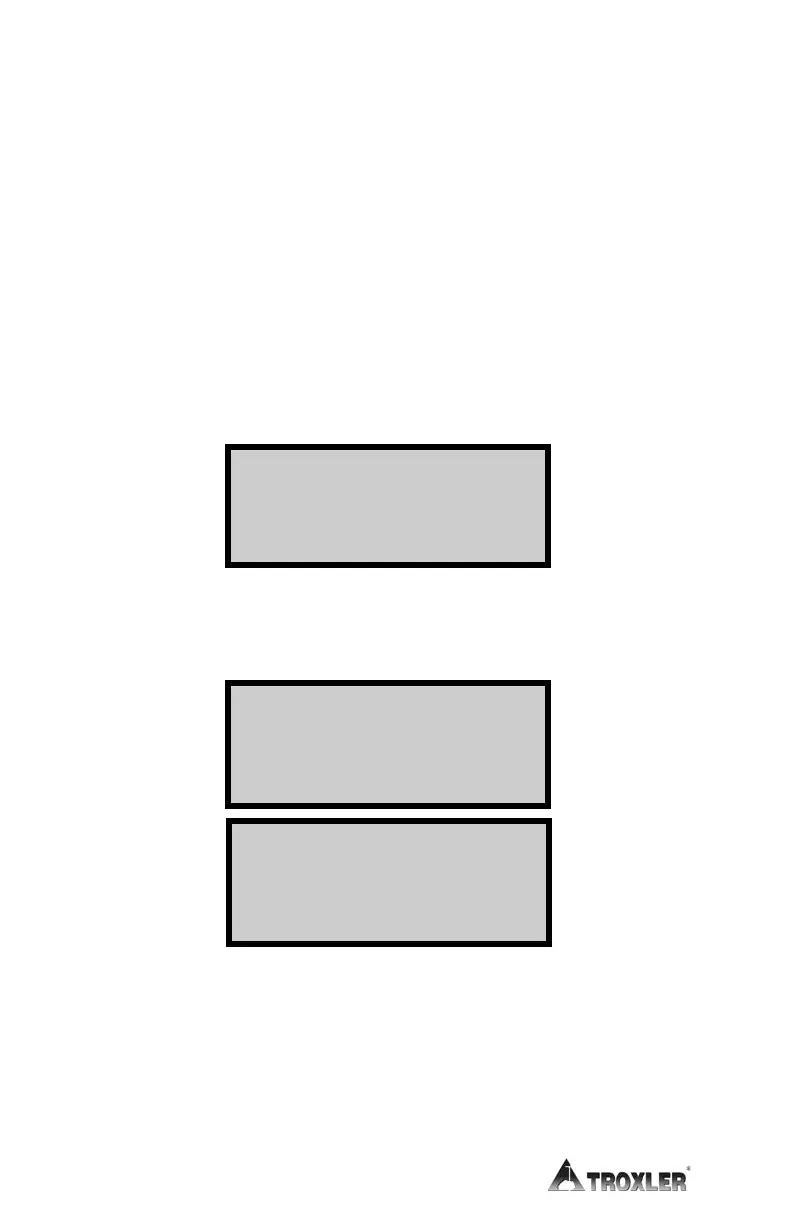
3. Press the 〈ENTER/START〉 key. The gauge displays:
4. Place the gauge on the first test site and press
〈ENTER/START〉. The gauge takes a measurement, then
displays the results:
NOTE
If the Temperature option (see page 2–11) is installed, the
mat temperature is also shown in the upper right corner of
the display.
Lat : +hh mm ss. ss
Lng: - hh mm ss. ss
Fi x: ##
# Sat s: ## <ESC>
Readi ng #: 1
Pr ess <START>
<STORE>/ <ESC> t o End
##. #% Gmb( MA)
##. #% Gmm( Voi dl ess)
Avg of 1: ###. #
#. #% Voi ds <ENTER>



 To Next Page