3-8 AEROTRAK™ Portable Airborne Particle Counter
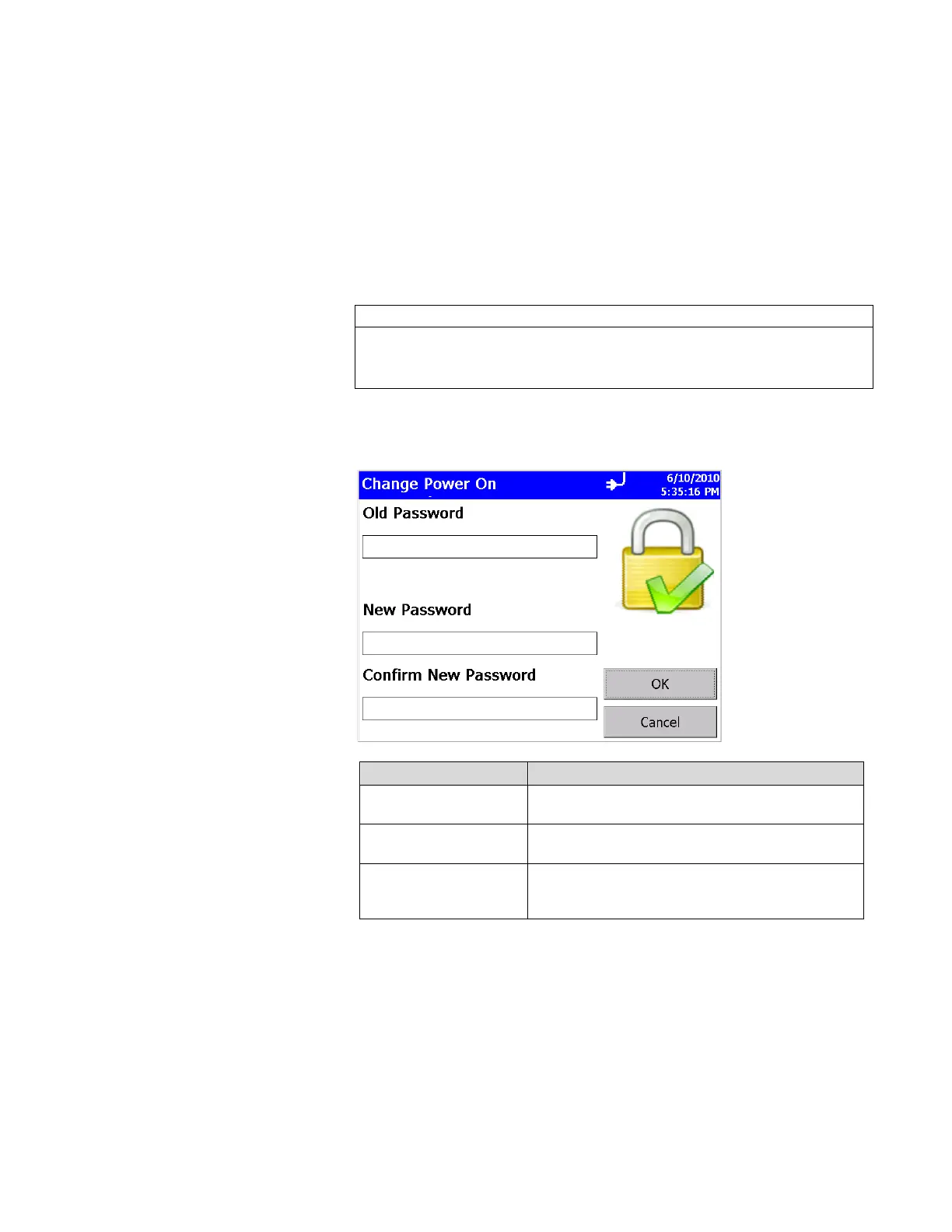
Change Power On Password Screen
If a Power On password has been previously set, you must enter
that password before being allowed to change the Power On
password. If a Power On password is set, then on instrument
startup a password screen will ask for the password before the
instrument can be used. A blank password is regarded as no
password and if set as the new password, will not prompt you for
a password on system startup.
Note
Keep the password in a safe place. It is difficult to reset the password
and requires contacting the factory. If you have misplaced the password,
please contact TSI technical support.
Tap on the screen to display the on-screen keyboard and enter the
required information.
Field Description
Old Password
Enter your existing password (if one has already
been set) or leave blank.
New Password
Enter a new password. The password can be any
length and use any characters.
Confirm New Password
Retype the new password then press OK. A
confirmation message appears if the password is
changed.













 To Next Page