Operation 3-9
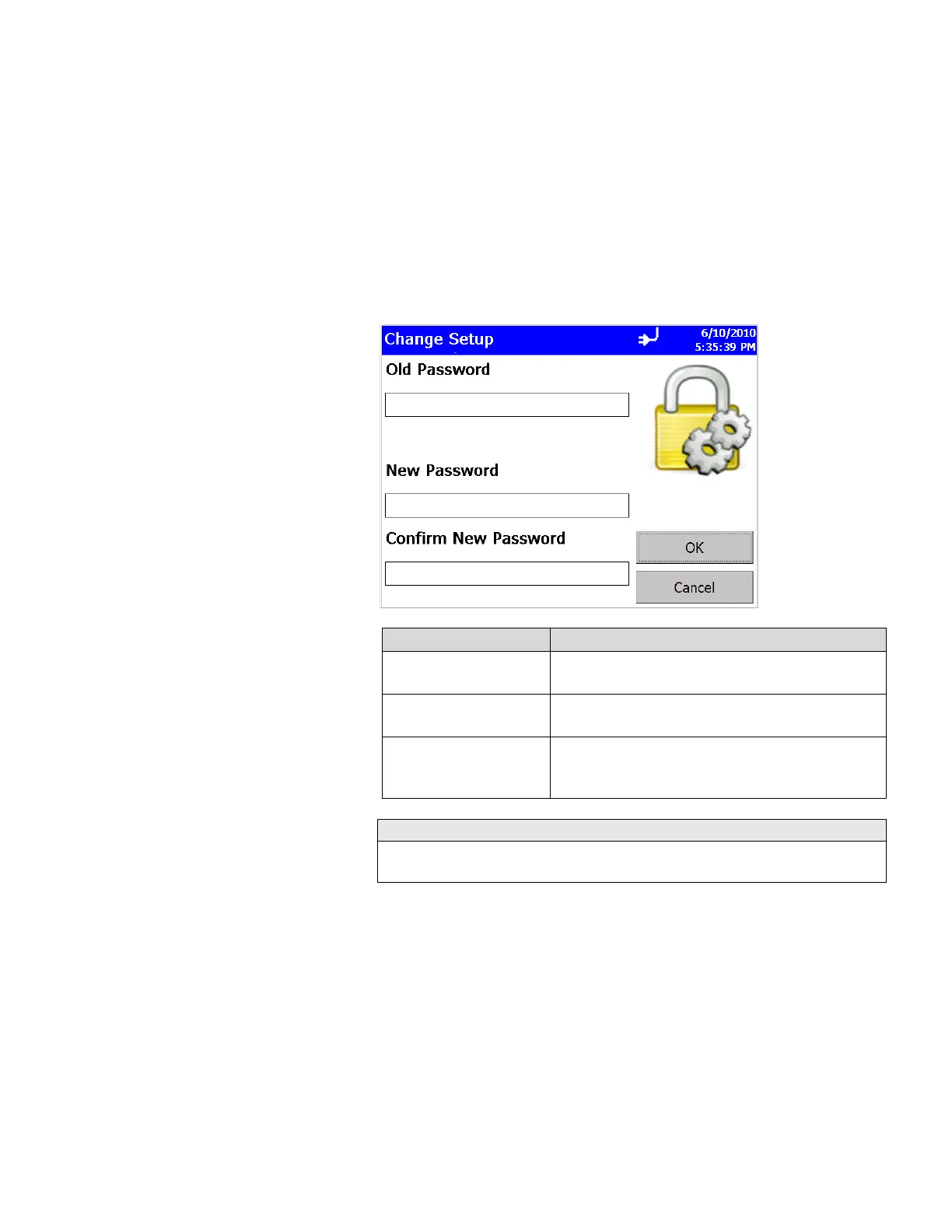
Change Setup Password Screen
If a Setup password has been previously set, you must enter that
password before being allowed to change the Setup password. If a
Setup password is set, clicking on the setup tab at the bottom of
the main screen brings up a password screen. That password
must be entered in order to change instrument settings.
Tap on the screen to display the on-screen keyboard end enter the
required information.
Field Description
Old Password Enter your existing password (if one has already
been set) or leave blank.
New Password Enter a new password The password can be any
length and use any characters.
Confirm New Password
Retype the new password then press OK. A
confirmation message appears if the password is
changed.
Leave both New Password and Confirm New Password fields blank to
turn off password protection.













 To Next Page