Operation 3-11
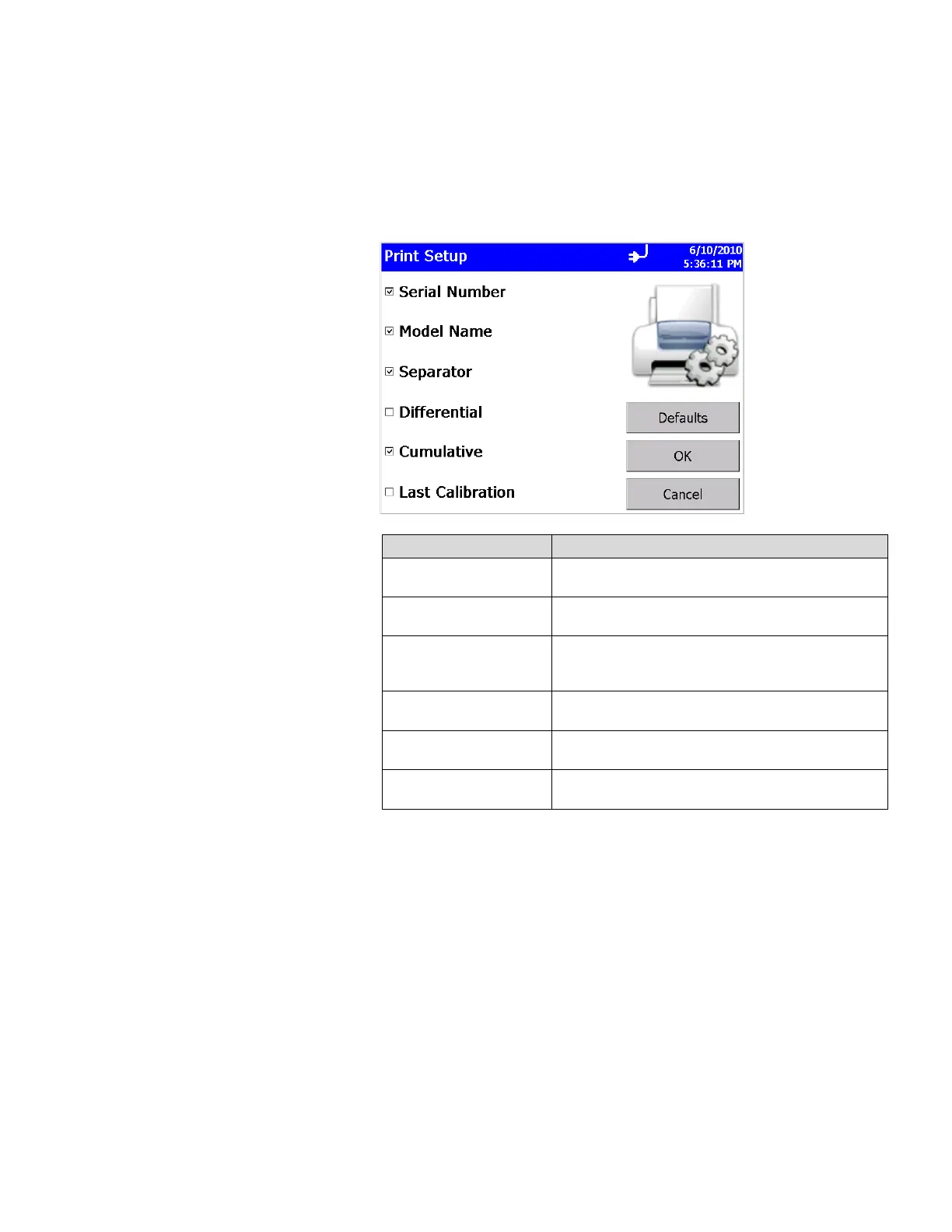
Print Setup Screen
A hard copy of a sample set or statistics can be printed from the
instrument using an optional thermal printer. Use this screen to
set print parameters. Press OK when finished.
Field Description
Serial Number
Indicates that the serial number of the particle
counter used to collect the data will be printed.
Model Name
Indicates that the model number of the particle
counter used to collect the data will be printed.
Separator
Indicates a line separator will be printed after the
Model Name and Serial Number in the header of all
printouts.
Differential
Indicates that the differential value of the data will
be printed.
Cumulative
Indicates that the cumulative value of the data will
be printed.
Last Calibration
The date and time the instrument was last
calibrated by TSI.
Note: Printer paper has a colored strip printed on the last few feet
of each roll to indicate when it is time to change the
paper roll.













 To Next Page