Operation 3-23
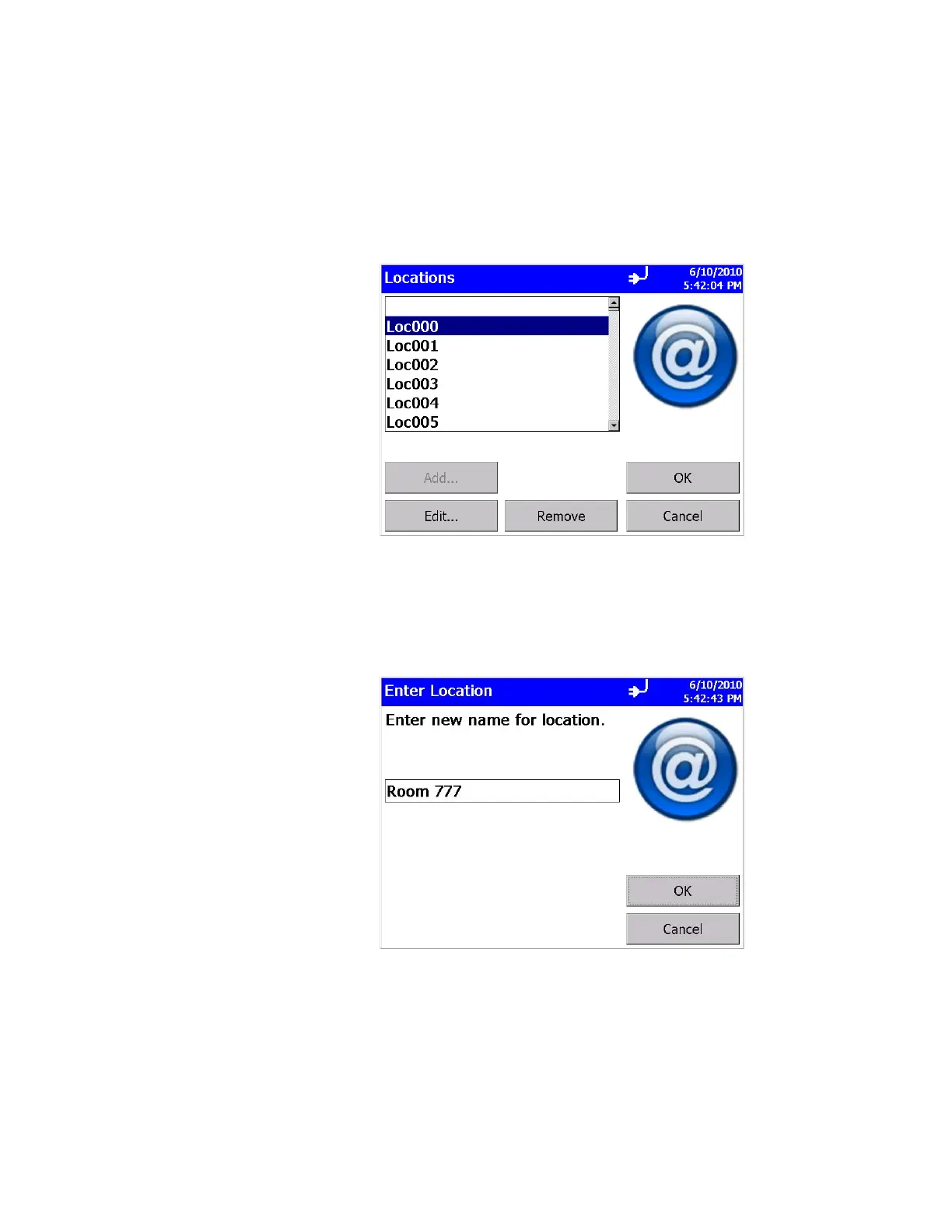
Locations Screen
Associating collected samples with labeled locations can help
keep your data organized. The particle counter allows you to
create up to 250 labeled locations (up to 10 characters in length).
Use this screen to add, remove, or modify a location names to the
list of locations.
To modify a location name, highlight the name in the list, then
click the Edit… button. In the “Enter Location” screen click the
edit box in the middle and use the on-screen keyboard to modify a
location name. (You cannot edit the empty location). Click OK
when finished.













 To Next Page