3-24 AEROTRAK™ Portable Airborne Particle Counter
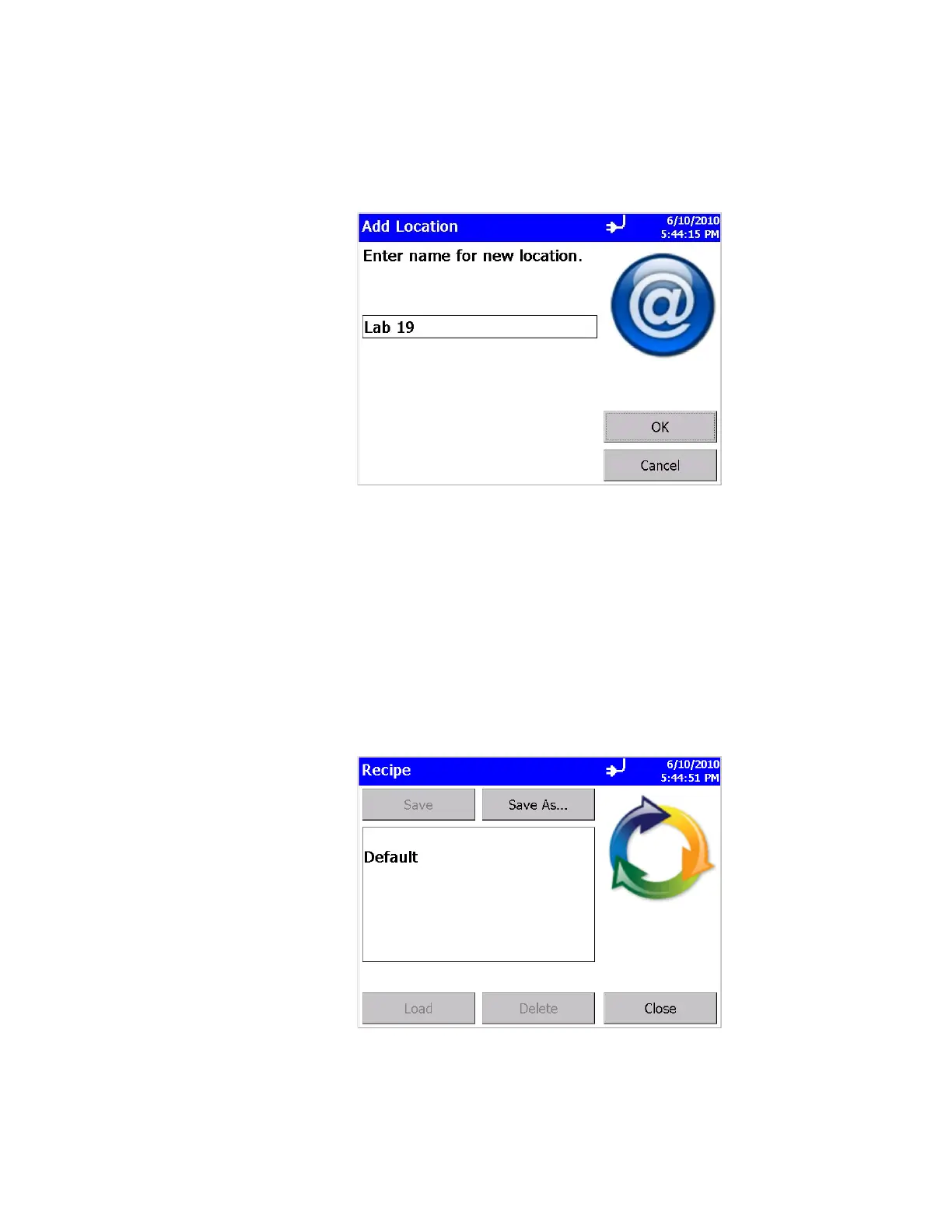
To add a location, click on the blank selection at the top of the list
and click on the Add… button. In the “Add Location” screen click
in the edit box in the middle and use the on-screen keyboard to
add a location name. Click OK when finished.
To remove a location, click on location to be removed and click the
Remove button.
Back in the main Locations screen, after all editing has been
completed, press OK when finished.
Recipe Screen
Use this screen to load and save recipes. Recipes let you save a
group of settings (recipe) that you use over and over so you don’t
have to reset individual settings. There may be up to 100 recipes
stored in the unit.













 To Next Page