6. Handling calls
26 00 8811 17, 08/18 (Rev. 6.0)
How calls are displayed
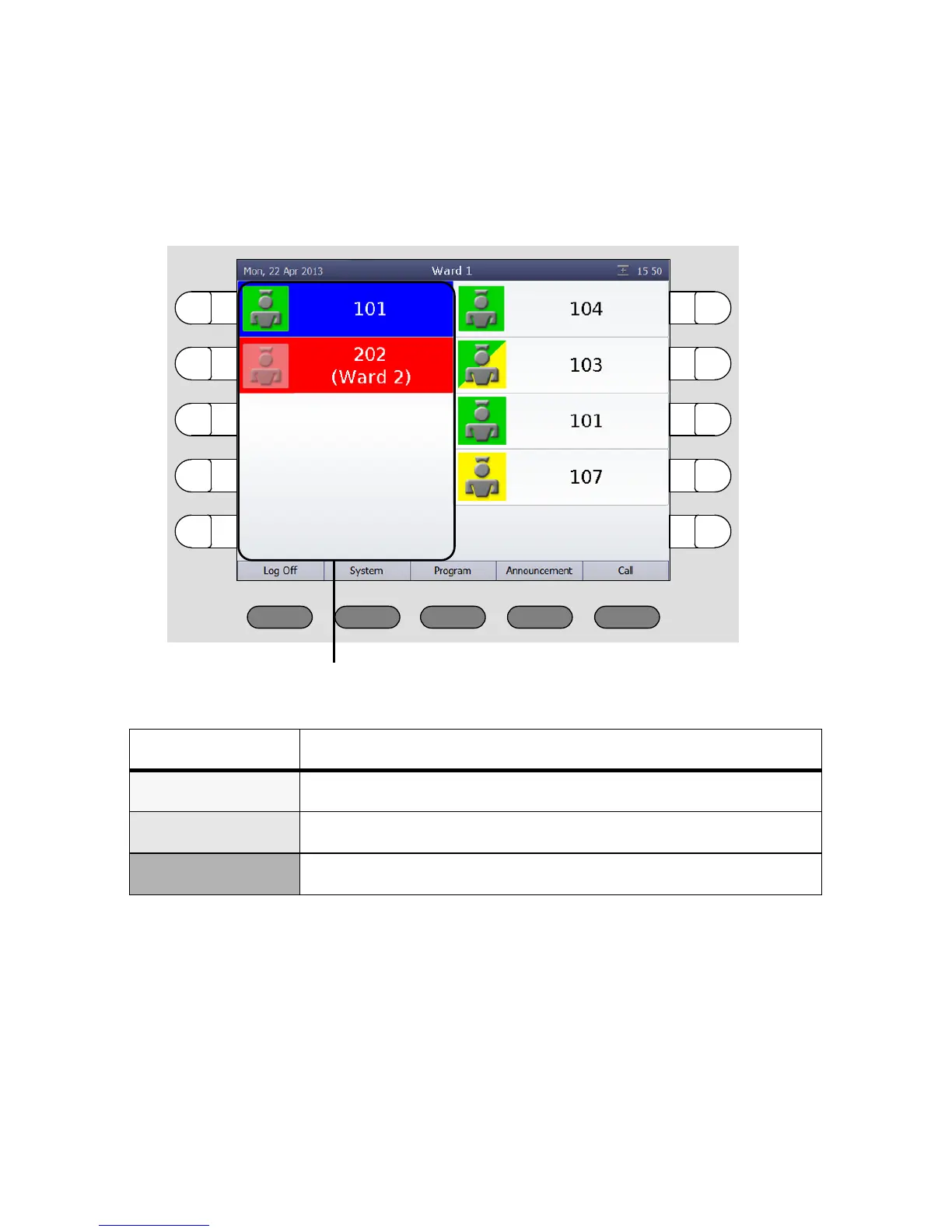
Calls from connected rooms are shown on the left side of the main window
in the call list - with the room number.
The flash sequence of the fresh call indicates the call category:
Calls are categorised according to the call category - i.e. level of their urgen-
cy. The most urgent call appears at the top.
This means that alarms appear at the top, with emergency calls below and
calls at the bottom. The oldest call appears at the top within the call catego-
ries.
Fresh call are flashing. Answered call do not flash.
Call category Flash sequence
Call Red is flashing slowly.
Emergency call Red is flashing quickly.
Alarm Blue is flashing very quickly.



 To Next Page