Stealth 700 Gen 2 MAX for Xbox – Troubleshoong Guide
Quesons? Contact Support: hps://support.turtlebeach.com/s/contactsupport
NO MIC AUDIO (TROUBLESHOOTING)
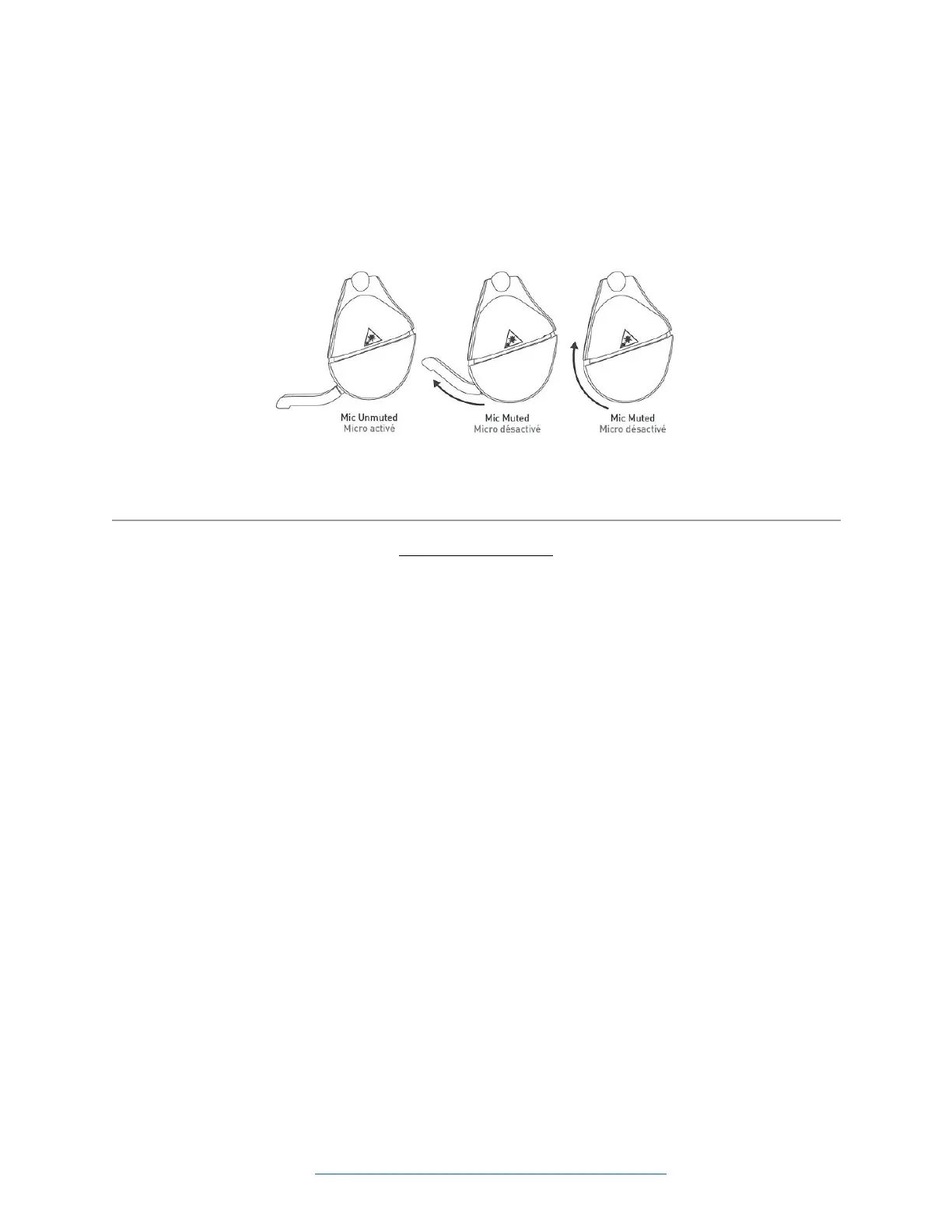
The Stealth 700 Gen 2 MAX headset has an adjustable, ip-to-mute mic. To use the mic, gently push/”ip”
the mic forwards. You will hear a tone (low high) to indicate the mic is now unmuted. To mute the mic,
just push/”ip” the mic back the other way. You will hear a tone (high low) to indicate that the mic is now
muted.
If other players are unable to hear you in chat when using the headset – no maer which plaorm the
headset is being used with, please double-check the following.
WHEN IN XBOX MODE
1. The Headset And Transmier Are Paired/Transmier Is In Correct Mode/Headset Is Detected By
Console.
For the mic to work, the headset and transmier must be paired, and the transmier must be in the
correct mode.
Please note that the transmier must be plugged in to a USB port on the console for this pairing to occur.
To double-check the status of the headset and transmier’s pairing, just look at the LEDs on the headset
and transmier themselves. If both LEDs are lit up solid green, the headset and transmier are
successfully paired.
If the LEDs are both solid green, double-check that the transmier is in the correct mode. The transmier
can be put in to two dierent modes: Xbox and USB. If the transmier is in the USB mode but is
connected to an Xbox console you may have audio issues even if the headset and transmier are paired
successfully.
As an addional test to see if the console itself is recognizing the headset:
1. Press the Xbox/Home buon on the Xbox One controller.
2. Go to Sengs >> All Sengs >> Kinect & Devices >> Devices & Accessories.
3. You will see the controller you are currently using; you should be able to scroll to the right to see
other devices being used with the Console. The headset will appear in this list as "Headset".
Do you see the headset in that list?
If the headset and console are paired, the transmier is in the correct mode, and you can see the headset
in that list, but you cannot be heard, please proceed to step 2.














 To Next Page