Stealth 700 Gen 2 MAX for Xbox – Troubleshoong Guide
Quesons? Contact Support: hps://support.turtlebeach.com/s/contactsupport
BLUETOOTH/MOBILE SETUP
Your Stealth 700 Gen 2 MAX For Xbox headset can be paired to a Bluetooth-enabled device like a
smartphone, so that you can make/take calls or listen to music while you game.
The headset will enter Bluetooth pairing mode once powered on. If no Bluetooth connecon is made in
two minutes, Bluetooth pairing mode will stop.
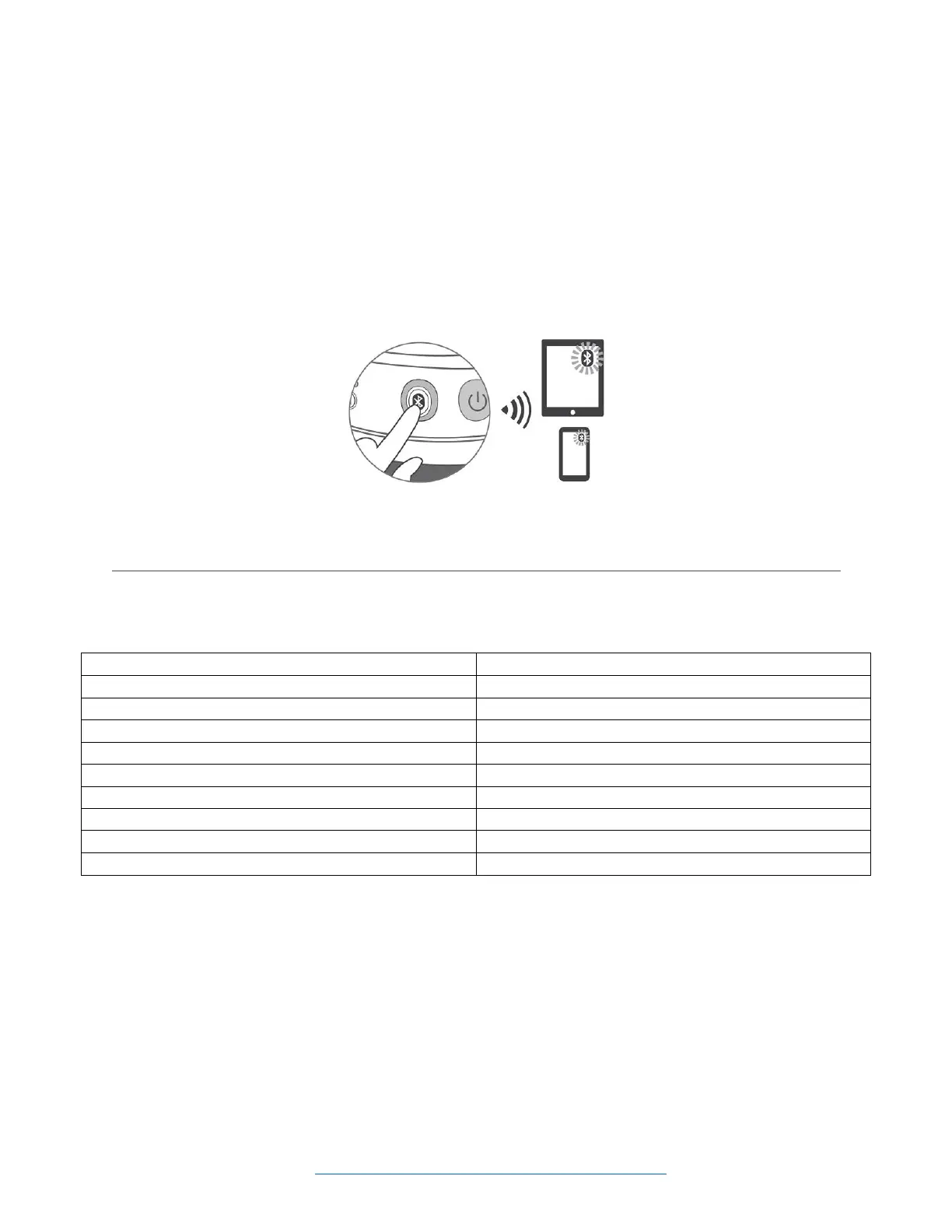
To put your headset into Bluetooth pairing mode, follow these steps:
1. Hold down the Bluetooth buon unl the "Bluetooth Pairing" prompt plays.
2. Aer placing your headset in pairing mode select the headset in your device's Bluetooth Sengs menu
to connect to your headset.
Once the headset is paired to the device, you can use the Bluetooth buon to control the Bluetooth
audio, as detailed below.














 To Next Page