Stealth 700 Gen 2 MAX for Xbox – Troubleshoong Guide
Quesons? Contact Support: hps://support.turtlebeach.com/s/contactsupport
• Below the Mappable Features secon, you will see a toggle for the Mic Noise Gate. This is a
feature that adjusts the sensivity of the mic, to make sure that your voice is what the mic picks
up.
• Voice Prompts Level will control how loud you hear the voice prompts in the headset. These voice
prompts play when certain features are engaged, including when the headset is powered on, or
the Bluetooth is paired.
• Tones Level will control how loud you hear the indicaon tones in the headset. These tones play
when certain features are engaged, including when the mic is muted and unmuted.
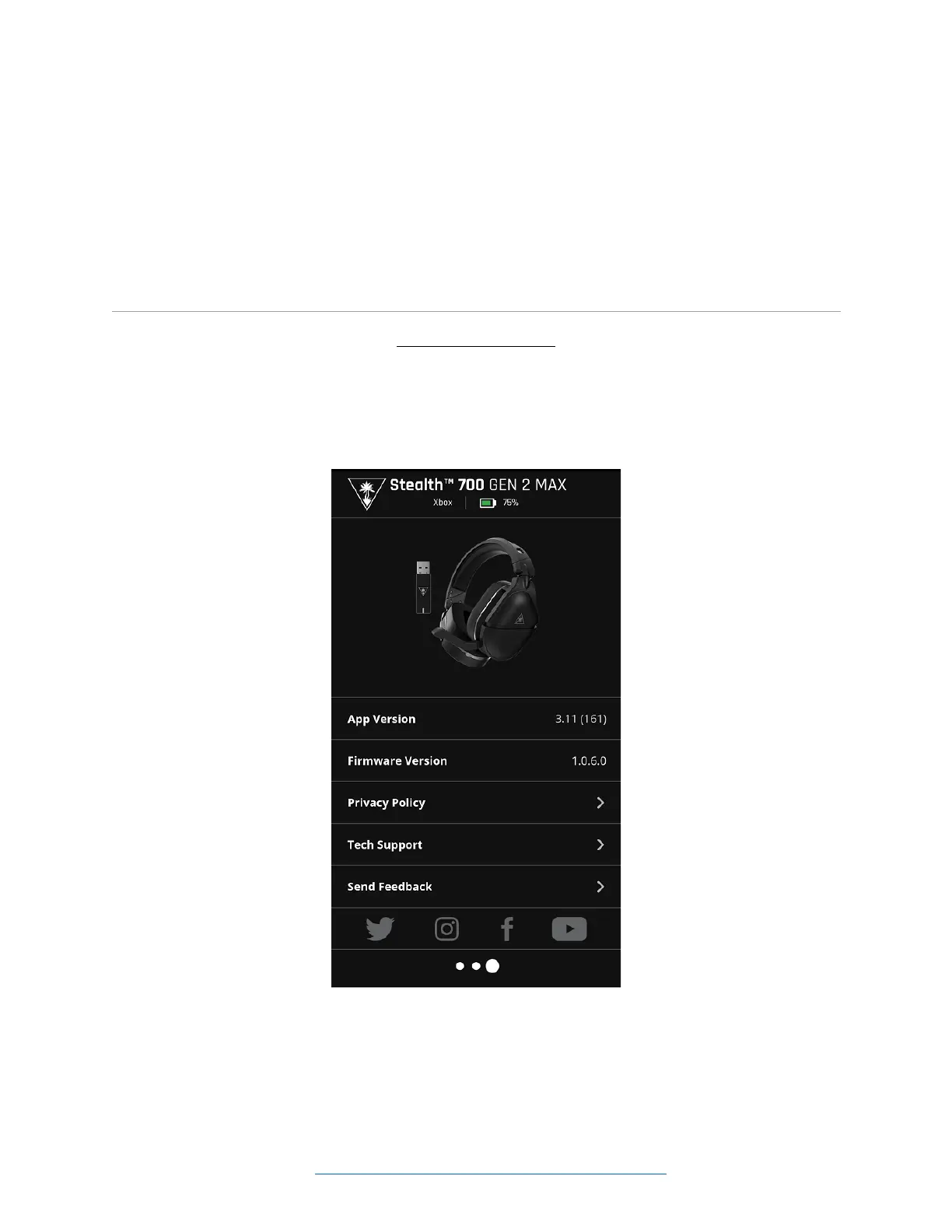
INFORMATION SCREEN
The informaon screen will include an image of the headset and transmier.
Below that image the rmware and app version numbers will be listed. There will also be links to our
Privacy Policy and Tech Support, an opon to send feedback, and links to our ocial social media pages.














 To Next Page