http://www.tyan.com
18
Chapter 2
Board Installation
!
important!
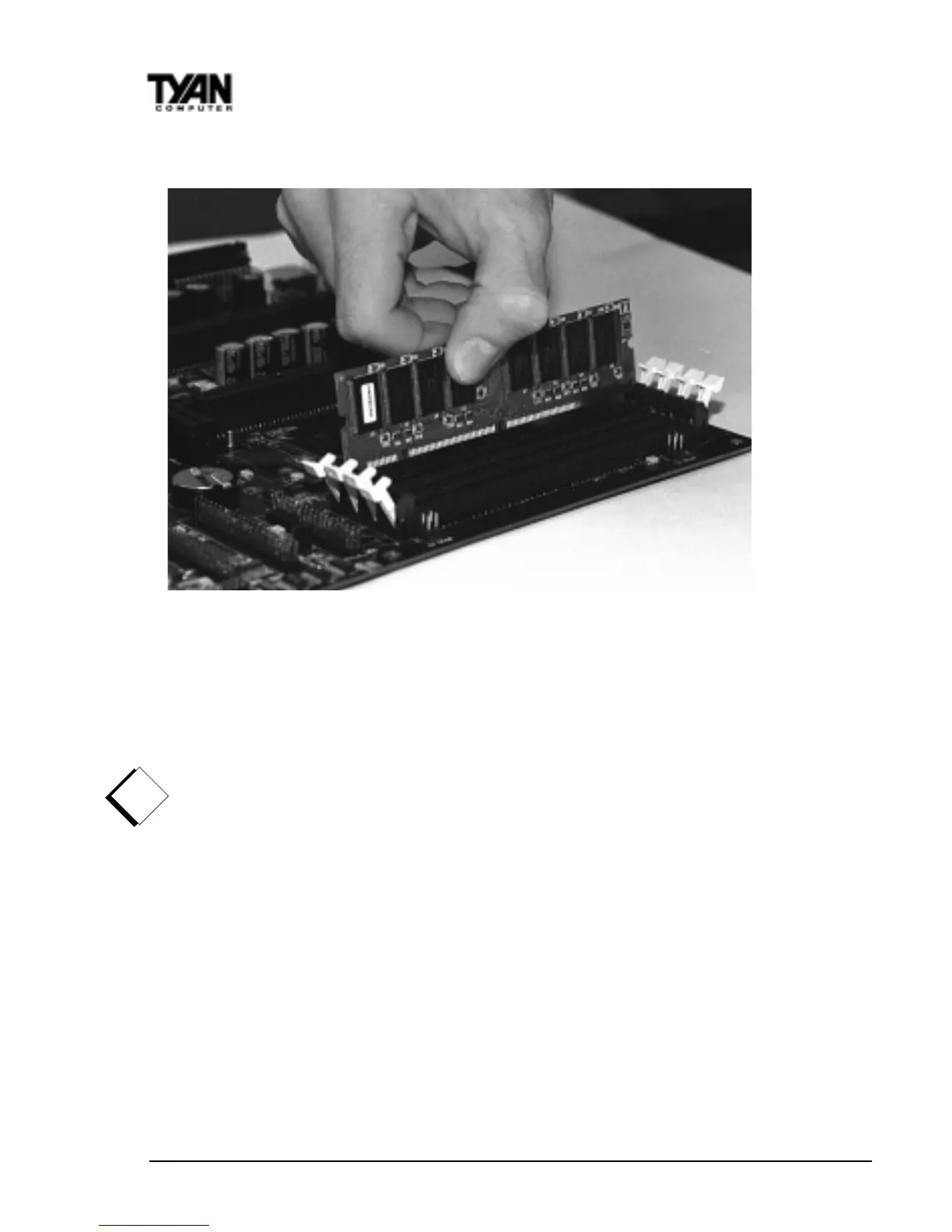
Figure 9
To install your DIMMs, line your module up so that the pins fit into the slot.
There is only one way that your DIMM can fit properly. Make sure that the
short row of pins is lined up with the short gap in the DIMM slot. Figure 9
shows how to sit the DIMM into its slot. To insert the DIMM, push down
vertically on the module with even force, as shown in the photo. Do not shove
one end in first; doing so will bend the DIMM pins.
To lock the DIMM into place, push the plastic clips on either end of the slot
onto the notches in the ends of the DIMM (see Figure 10 on the next page). To
remove your DIMM, simply pull the clips back, and pull up on the module.
Place the DIMMs in an anti-static bag as soon as you remove them to avoid
static damage.



 To Next Page