S1846 Tsunami ATX
63
BIOS
Supervisor and User Security
You can limit access to the Setup Program or to the system using the Supervi-
sor and User password options (the Supervisor password gives you access to
the Setup Program and the system; the User password, only to the system).
Note that you must create a supervisor password before you create a user
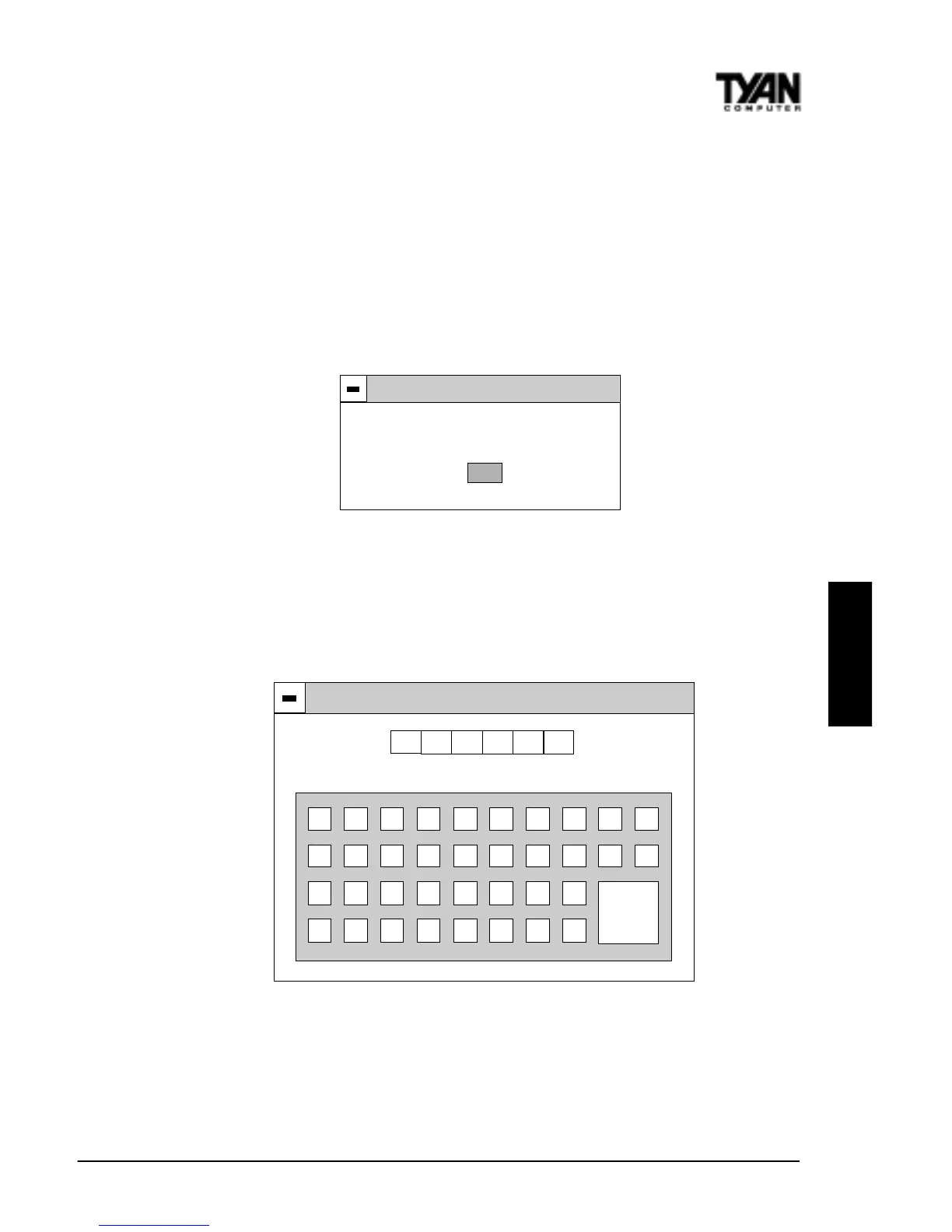
password. If you select the User Security option first, the following dialog box
will appear:
Error
Install Supervisor Password first!
OK
When you select the Supervisor Security option, a dialog box (shown below)
will appear, allowing you to enter a password. You may either type the pass-
word in, or click on the onscreen buttons. Your password must be between one
and six characters long.
Supervisor
Enter New Password
0 1 2 3 4 5 6 7 8 9
A B C D E F G H I J
K L M N O P Q R
S T U V W X Y Z
Enter
Once you have entered your new password, you will be asked to confirm it. If
the two passwords do not match, you will be prompted to enter a new pass-
word, and then to confirm it. This will continue until you enter the same series
of characters both times. Once this is accomplished, a dialog box will appear
and notify you that the Supervisor Password has been installed. You may then



 To Next Page