S1846 Tsunami ATX
23
INSTALL
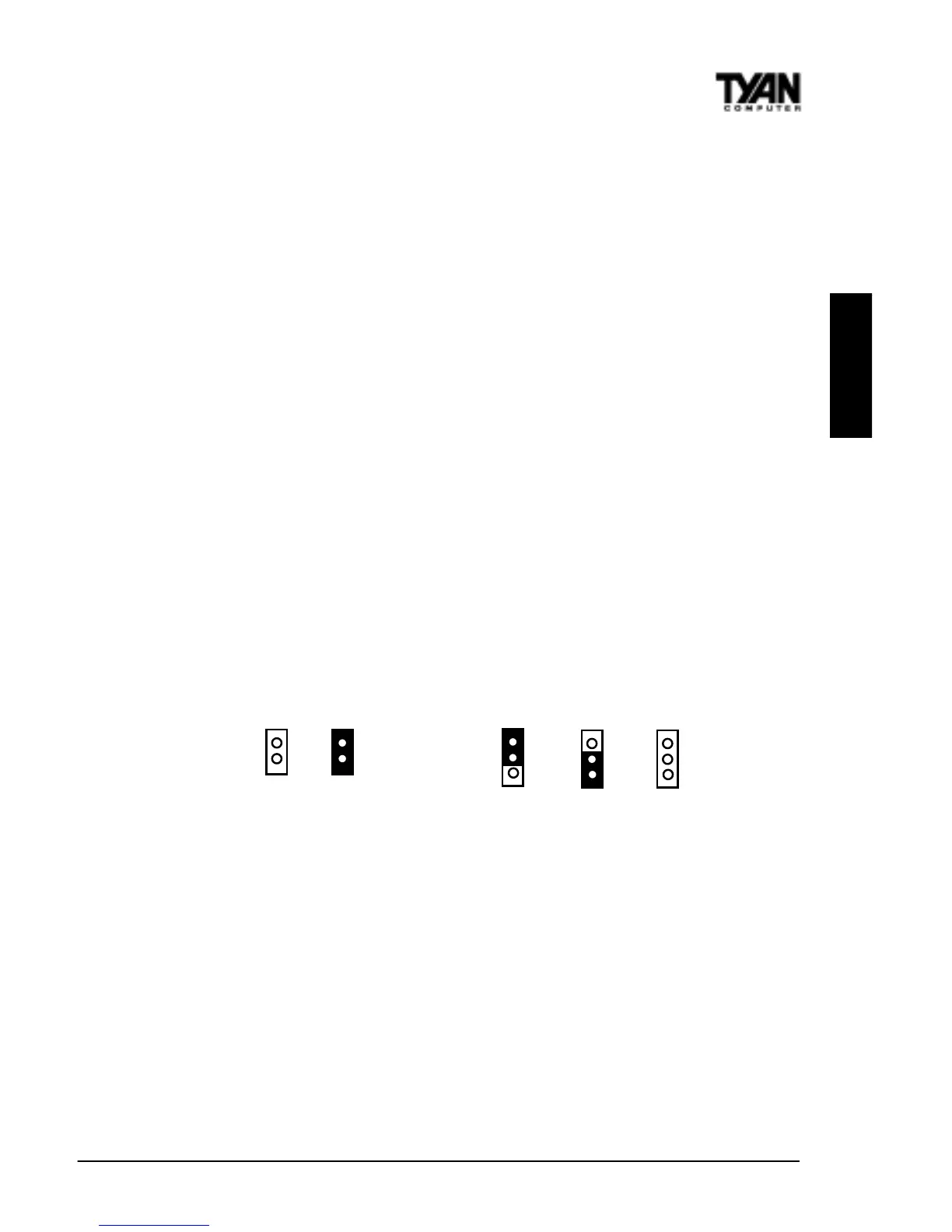
2 pin jumpers
off on
3 (or more) pin jumpers
1-2 2-3 open
1
2
3
1
2
3
1
2
3
You are done.
Other than checking the jumper settings and cable connections and putting
the case back on, you are done. Installing a new motherboard may sound
difficult, but by following these directions, you should have a fairly uneventful
time installing our products. If you do encounter problems, your dealer will be
able to help you, or you can consult one of our many technical support
resources (see page 8).
Setting Jumpers
In this manual, the terms “closed” and “on” are used when referring to jumpers
(or jumper pins) that are active; “open” and “off” are used when referring to
jumpers (or jumper pins) that are inactive. Jumpers and pins are connected by
slipping the blue plastic jumper connector overtop of two adjacent jumper
pins. The metal rod inside the plastic shell bridges the gap between the two
pins, completing the circuit. See the drawings below for examples of “on” and
“off” pins and jumpers.



 To Next Page