http://www.tyan.com
20
Chapter 2
Board Installation
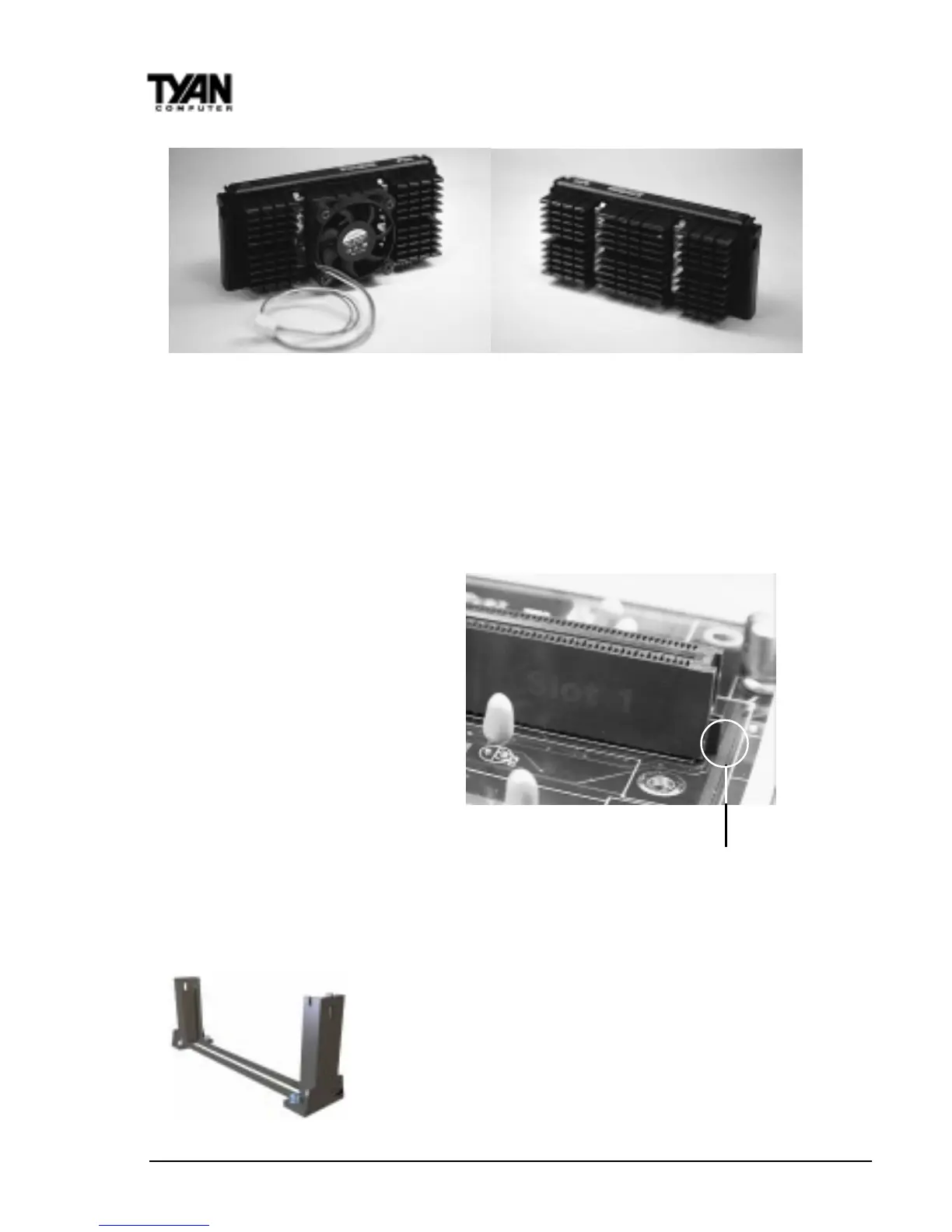
Pentium II Slot Connector
and Key Pin
Figure 13
Figure 11 Figure 12
Installing CPU Retention Modules
Installation of a Pentium II processor requires a CPU retention module, which
is first secured onto the motherboard.
To attach the retention module,
place the motherboard on a flat
surface. Locate the key pin on
one end of the Pentium II slot on
the board. Then carefully line up
the key notch on the retention
module with the key pin on the
Pentium II slot (the key pin on
the Pentium II slot indicates the
correct orientation of the CPU).
Drop the retention module
(Figure 14 on the following page)
down over the Pentium II slot so
that the retention module sits flat
against the motherboard.
Tighten the screws in a clockwise manner to secure the module to the board.
Warning: Do not overtighten the screws as you may
damage the module and/or the motherboard.
Installing the Active Processor
When the retention module is securely installed, you
are ready to plug in the CPU. Press down firmly on the
CPU until you hear a “click” (see Figure 15). This click-
ing sound indicates that the CPU is fully locked into
Figure 14



 To Next Page