http://www.tyan.com
28
Chapter 3
Onboard Resource Settings
procedure
1.
2.
3.
instructions below.
1. Power off the system
2. Set jumper JP2 to pins 2 and 3 (see previous page for
location of JP2).
3. Wait for 2 seconds, then return jumper JP2 to pins 1 and 2.
4. Power on the system again.
By following this procedure, you will erase your password and reset the
CMOS to the BIOS defaults.
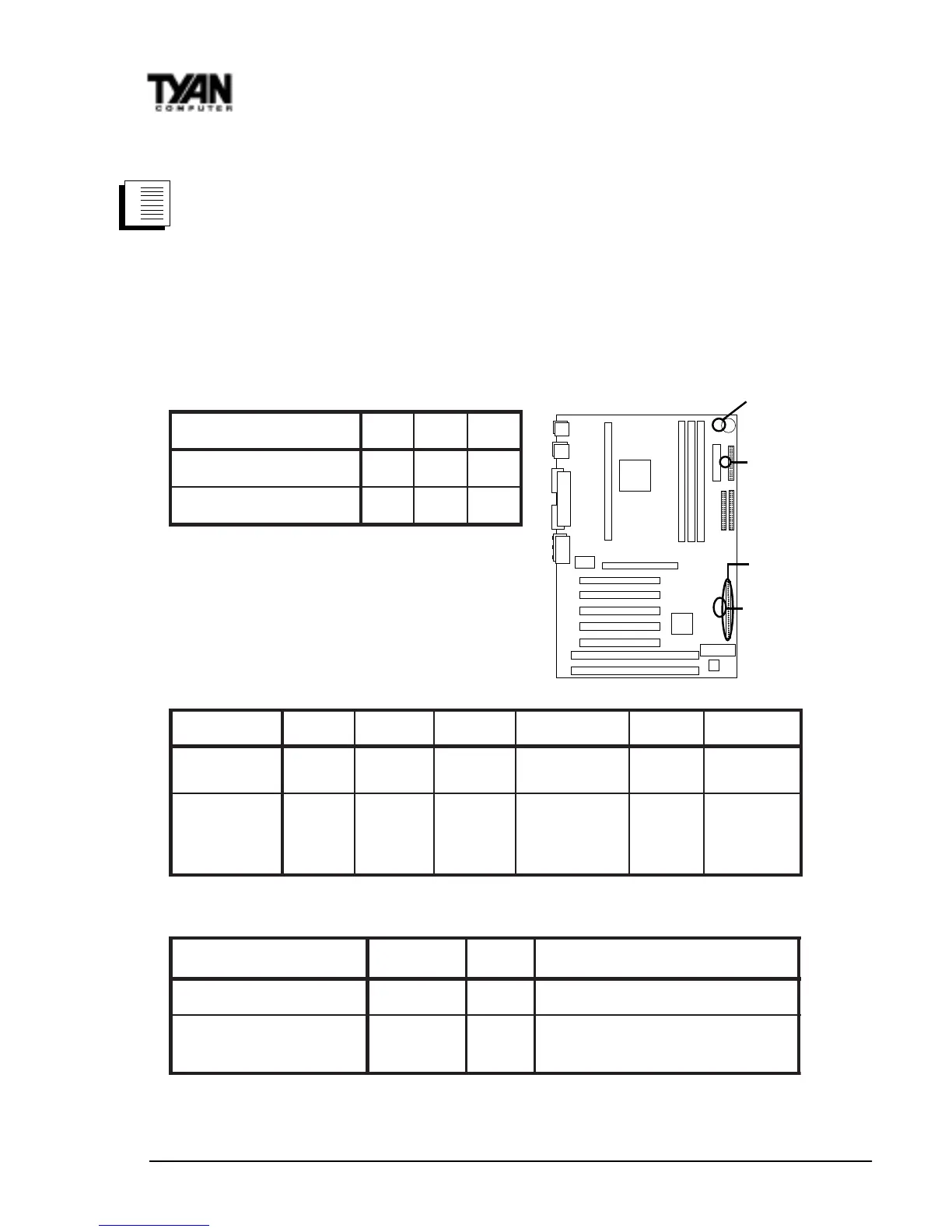
InfraRed/Floppy Drive Settings
DDF/RI4PJ7PJ8PJ
DDF2
NO3-22-1
)tluafeD(DDF1/RI1
FFO2-13-2
J8 External Pin Assignments
sniP2-101-661-3102-8132-2272-42
noitcnuF
rewoP
ffO/nO
deRarfnIDELDDHDELrewoP
teseR
hctiwS
rekaepS
tnemngissA
ffo/no=1
BSV5=2
V5=6
XRRI=8
DNG=9
XTRI=01
V5=31
-DEL=51
+DEL=61
DELpeelS=81
DELrewoP=02
DNG=22
teseR=32
V5=42
lanretnI=62
rekaepS
-rekaepS=72
Other Pin Assignments
12 3
3-1NAF
DNGCCVrotinoMnaF
no-ekaW(3NOC
)NAL
V5ybdnatSDNG)hgiHevitcA,nOrewoP(ekaW
JP7, JP8
JP4
J8
JP2



 To Next Page