S1846 Tsunami ATX
39
BIOS
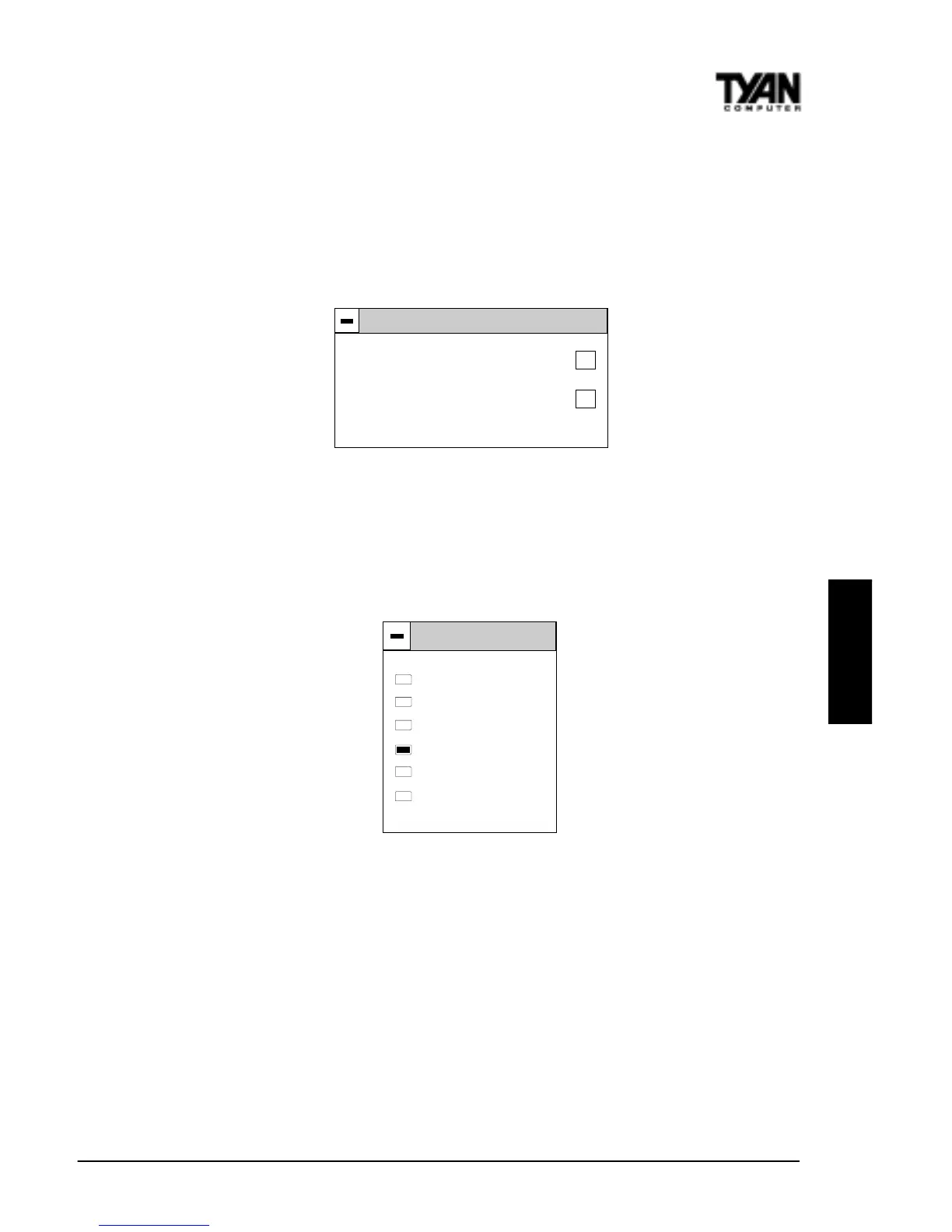
Date/Time
You can type the date and time in directly, or select the portion of the date or
time that you want to modify and adjust it using the plus and minus keys. The
plus and minus keys can be activated by clicking on them with your mouse, or
by using the <+> and <-> keys on your keyboard. The clock runs on a 24-hour
cycle (i.e. 1:00 PM is 13:00).
Floppy Drive A: and B:
Move the cursor to these fields via the arrow keys and select the floppy type.
The settings are 360KB 5¼ inch, 1.2 MB 5¼ inch, 720KB 3½ inch, 1.44MB 3½
inch, or 2.88MB 3½ inch. If you are not sure what type of floppy drive you
have, consult the documentation that came with your drive.
Date/Time
Date : Tue, Feb 13, 1998
Time : 23:39:23
+
-
Floppy A
Not Installed
360 KB 5 /
1.2 MB 5
720 MB 3
1.44 MB 3
2.88 MB 3
1
4
1
1
1
1
/
/
/
/
4
2
2
2



 To Next Page