S1846 Tsunami ATX
53
BIOS
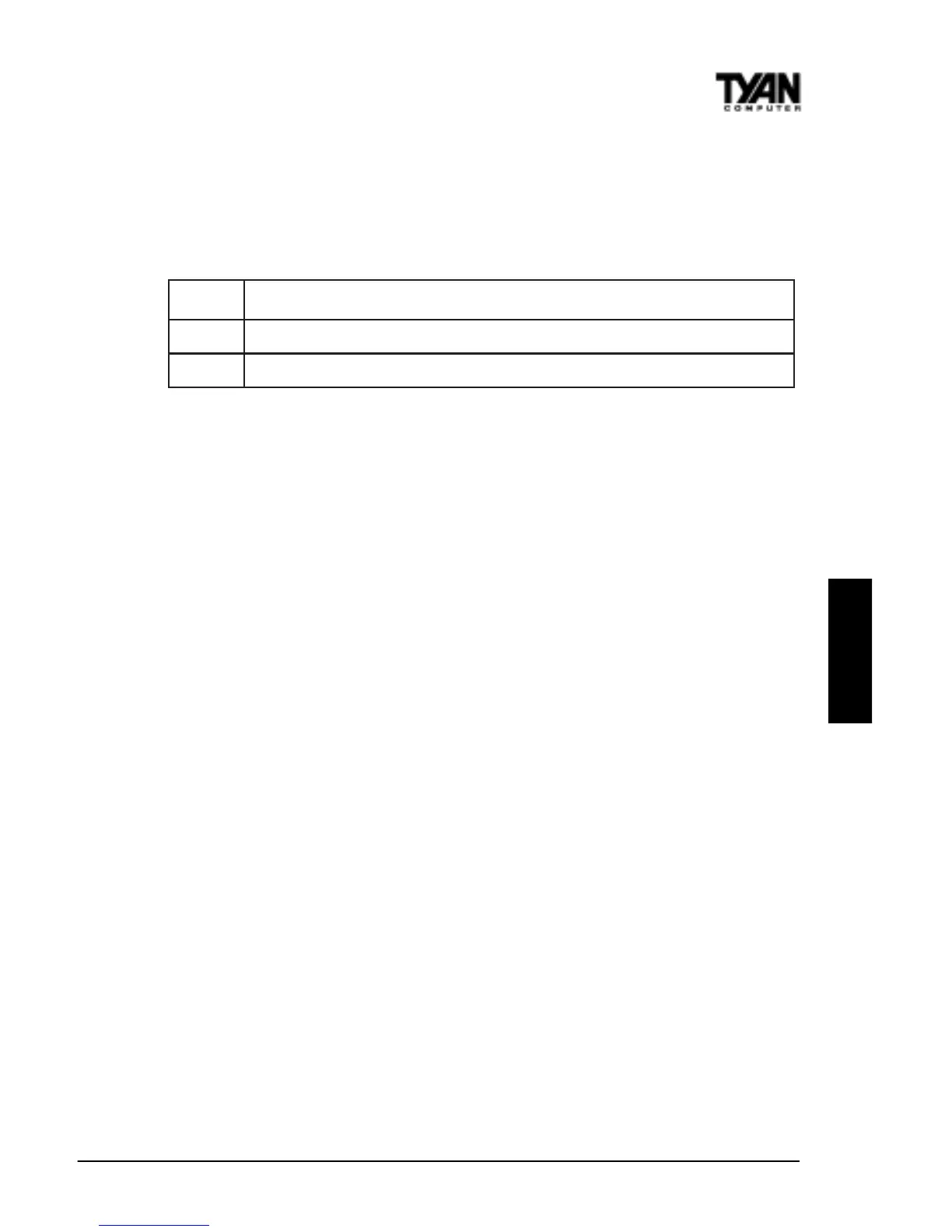
Power Button Function
This option specifies how the power button mounted externally on the
computer chassis is used. See Soft Power Connector on page 31 for more
information. The settings are shown in the table below.
gnitteSnoitpircseD
ffO/nO.fforonoretupmocehtsnrutnottubrewopehtgnihsuP
dnepsuS .edomrewopnOlluFroedomdnepsuSniretupmocehtsecalpnottubrewopehtgnihsuP
Green PC Monitor Power State
This option specifies the power state that the green PC-compliant video
monitor enters when AMIBIOS places it in a power saving state after the
specified period of display inactivity has expired. The settings are Off, Stand
By, or Suspend.
Video Power Down Mode
This option specifies the power state that the video subsystem enters when
AMIBIOS places it in a power saving state after the specified period of display
inactivity has expired. The settings are Stand By, Suspend, or Disabled.
Hard Disk Power Down Mode
This option specifies the power conserving state that the hard disk drive
enters after the specified period of hard drive inactivity has expired. The
settings are Disabled, Stand By, or Suspend.
Hard Disk Time Out (Minute)
This option specifies the length of a period of hard disk drive inactivity. When
this length of time expires, the computer enters power-conserving state
specified in the Hard Disk Power Down Mode option (see the previous page).
The settings are Disabled, and from 1 to 15 minutes, in one minute intervals.
Power Saving Type
There are several types of sleeping states within the general, global sleep
state. This option allows you to choose how “asleep” you want your system
to be. In deeper sleep modes, more energy is saved. However, upon waking up,
the system must “reorient” itself, and reestablish control over the system’s
sleeping components. The settings are POS, Sleep, Stop Clock, and Deep
Sleep. POS is the lightest sleep mode; Deep Sleep is the heaviest.



 To Next Page