http://www.TYAN.com
54
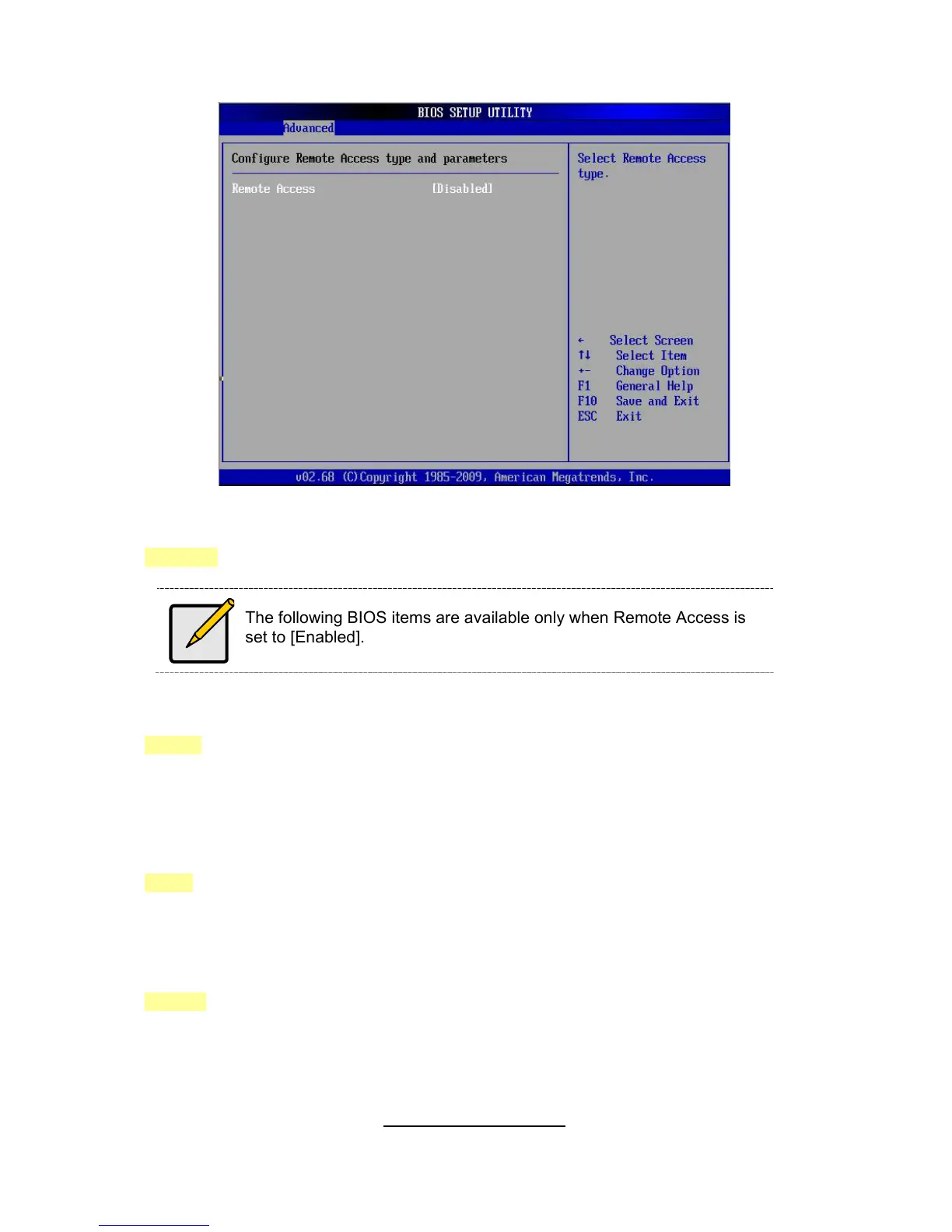
3.7.7- Remote Access Configuration Sub-Menu
Remote Access
Enables remote access to system through serial port.
[Disabled] / [Enabled]
The following BIOS items are available only when Remote Access is
set to [Enabled].
Serial Port Number
Select Serial Port for cosole redirection. Make sure the selected port is enabled.
[COM1] / [COM2] / [COM3] (virtual for BMC)
Serial Port Mode
Select Serial Port settings.
Flow Control
Select Flow Control for console redirection.
[None] / [Hardware] / [Software]
Redirection After BIOS POST
Disabled: Turns off the redirection after POST Boot Loader.
Boot Loader: Redirection is active during POST and during Boot Loader.
Always: Redirection is always active. (Some Oss may not work if set to Always)
[Always] / [Disabled] / [Boot Loader]


 To Next Page
 Loading...










