CPS6000 –48V Indoor/Outdoor Power Shelf
Issue 16 May 2006 99
Step Action
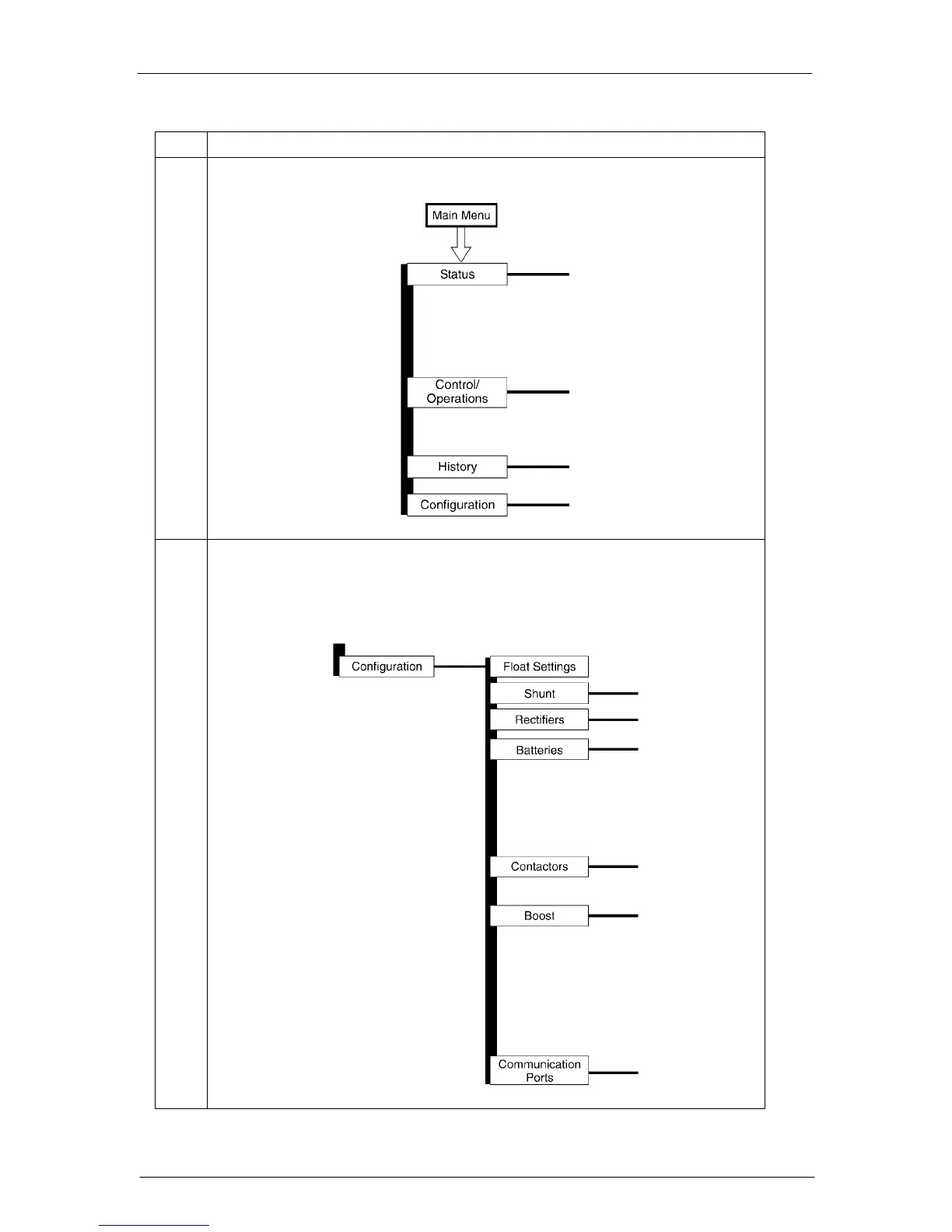
1. From the default screen, press the Display Menu key to see the Main Menu.
2. Press the down arrow key until Configuration is highlighted, press the
Display Menu key and the following selections are available; Float settings,
Shunt rating, Rectifier Redundancy, Batteries, Contactors, Boost, System
Settings, and Communication Ports.


 To Next Page