32
Pitch Follow Funcon for CGO3 on SteadyGrip
Pitch Follow funcon allows the gimbal camera to track SteadyGrip in pitch
direcon.
To Enter Pitch Follow:
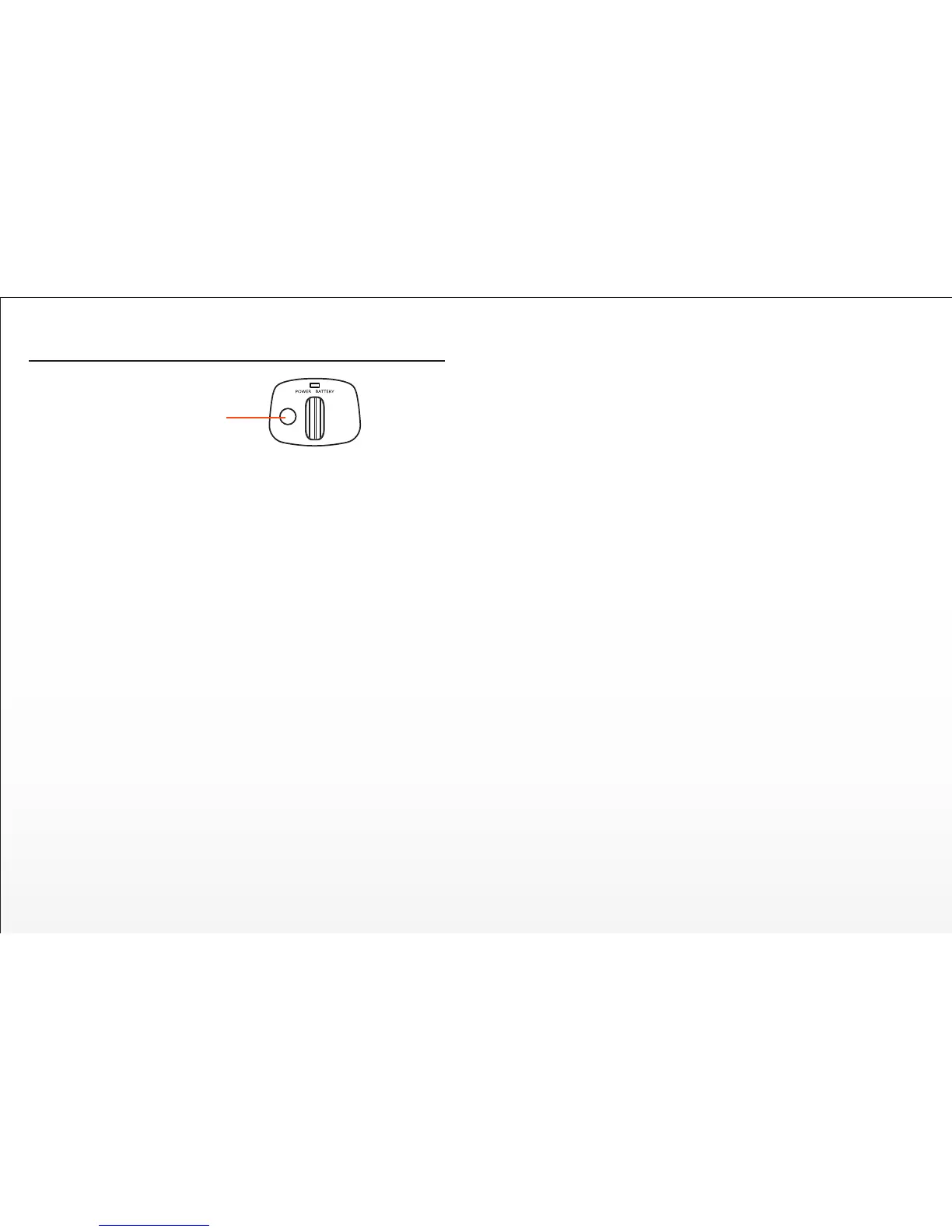
Press Pitch Follow Buon on the top of the SteadyGrip to enter Pitch
Follow Funcon. The green STEADYGRIP LED Status Indicator on top will
start blinking instead of being solid when enter Pitch Follow.
NOTE:
1) The default status of SteadyGrip is normal status without Pitch Follow.
2) When SteadyGrip is in Pitch Follow status, the gimbal camera tracks
SteadyGrip in pitch direcon, and the gimbal pitch control roller wheel on
SteadyGrip is disabled.
To Exit Pitch Follow:
Press Pitch Follow Buon to exit this funcon.
Pitch Follow Buon


 To Next Page