25
Starting a print
Printing from the SD card
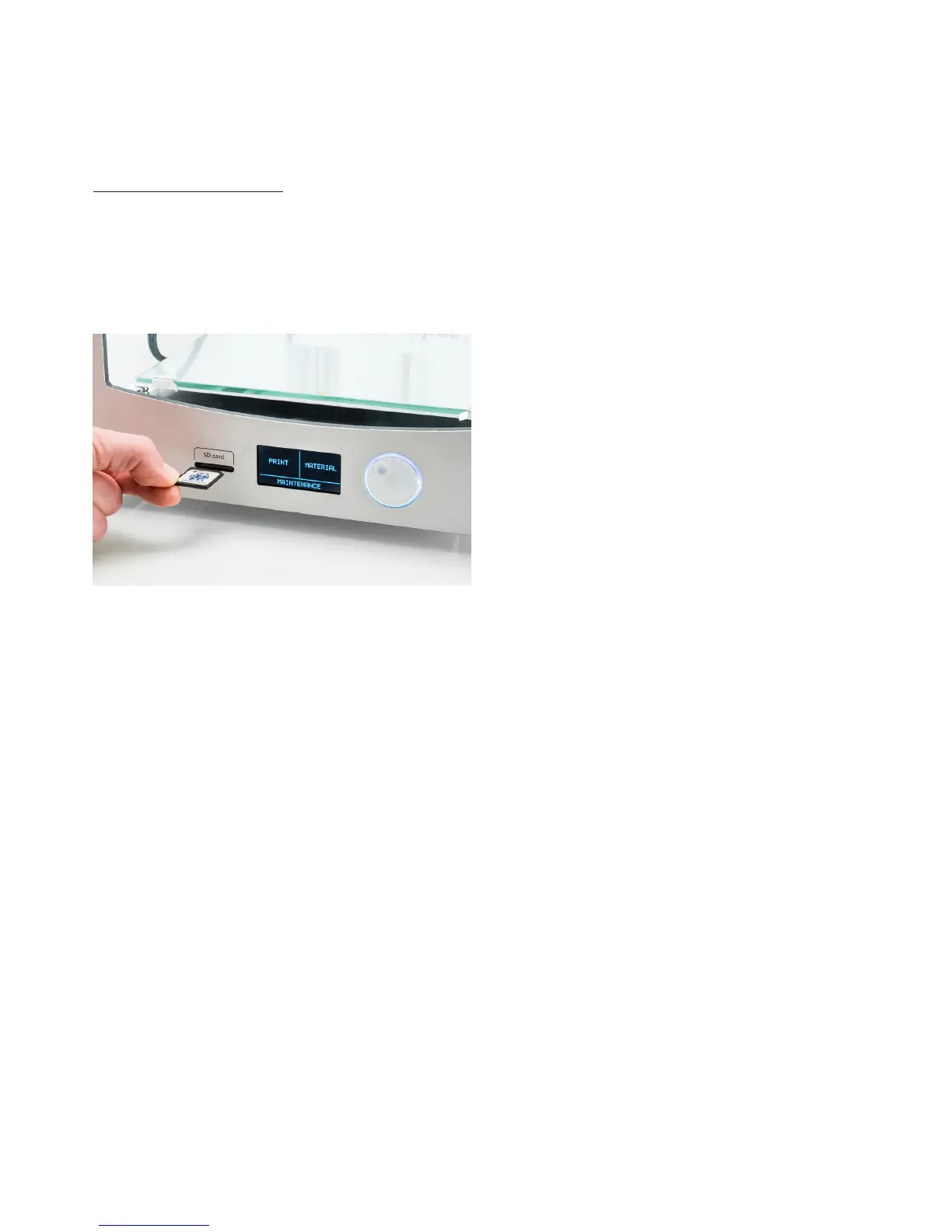
Prints on the Ultimaker 2+ are started from the SD card. To start a print, take the following steps:
1. Place the SD card in your computer.
2. Slice your 3D model in Ultimaker Cura. Ensure that the nozzle size and material configuration in Ultimaker Cura match
the configuration on your Ultimaker 2+.
3. Save the print file (.gcode) via the “Save to removable drive” button to the SD card.
4. Eject the SD card in Ultimaker Cura and remove it from your computer.
5. Place the SD card in the SD card slot on Ultimaker 2+.
6. Go to “Print” and select the file you want to print.



 To Next Page