42
Tensioning the belts
Maintaining proper tension on the short belts is important to ensure good print quality. If the belts are too loose, the
movement of the print head may not be accurate. In turn, the dimensions of the print can be different from what you
expect.
Over time, the belts may get slightly slack. To restore the tension, perform the following steps:
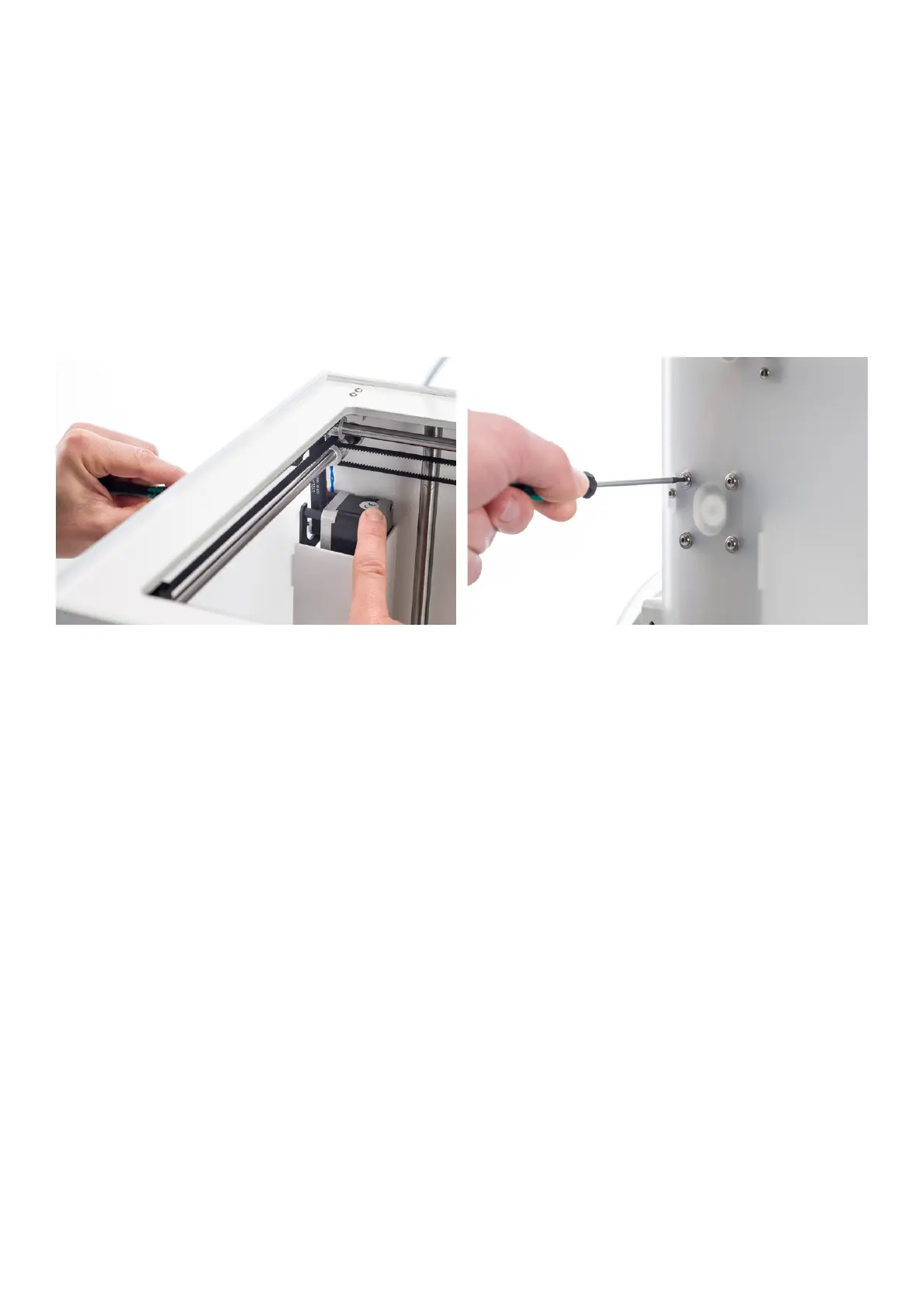
1. Loosen the four bolts of the X motor, but do not take them out completely.
2. Firmly push down on the motor.
3. One by one, in a crosswise pattern, tighten the bolts again while still pushing down.
4. Repeat these steps for the Y motor, so that the tension is the same for both short belts.
















 To Next Page