41
Cleaning the feeders and bowden tubes
After many hours of printing, or when material has been ground down, there is a chance that there are small filament
particles in the feeders. These can end up in the bowden tubes or print cores, so it is important to clean the feeders. This
can be done by blowing the particles out of the feeders or by using a vacuum cleaner.
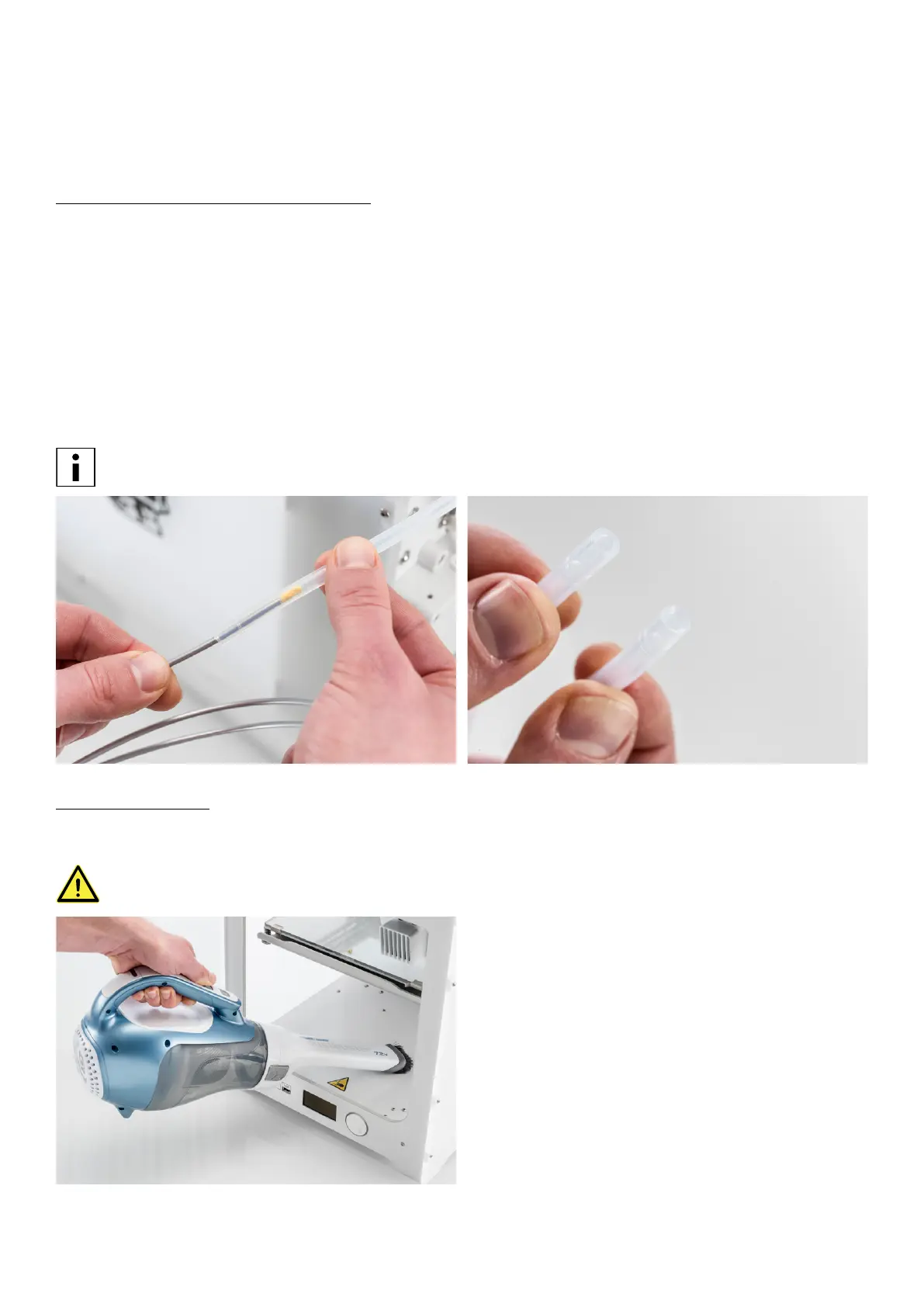
If the particles are already stuck in the bowden tubes, clean these as well. To do so, the bowden tubes have to be removed
from the printer.
1. Unload the material via the menu Material/PrintCore g Material 1 or 2 g Unload.
2. Remove the white clamp clips from the print head and feeders.
3. Press down on the tube coupling collet in the print head and pull the bowden tube out. Do the same for the feeders.
4. Cut off a small piece from a clean, dry sponge or use a piece of tissue.
5. Insert this in the feeder end of the bowden tube.
6. Push it through with a length of filament (at least 80 cm).
7. Re-install the bowden tubes and secure with the white clamp clips.
The bowden tube has one conical end; this should be placed in the feeder.
Inside of the printer
Small pieces of material can gather inside the printer, including the initial extrusions. Remove these from the inside of the
printer with a cloth or vacuum cleaner.
Leaving larger objects on the bottom panel can lead to errors, as they prevent the build plate from homing
properly.
















 To Next Page