Step 1: Inserting the ball bearings Assembling the frame 11
6.1.1. Step 1: Inserting the ball bearings
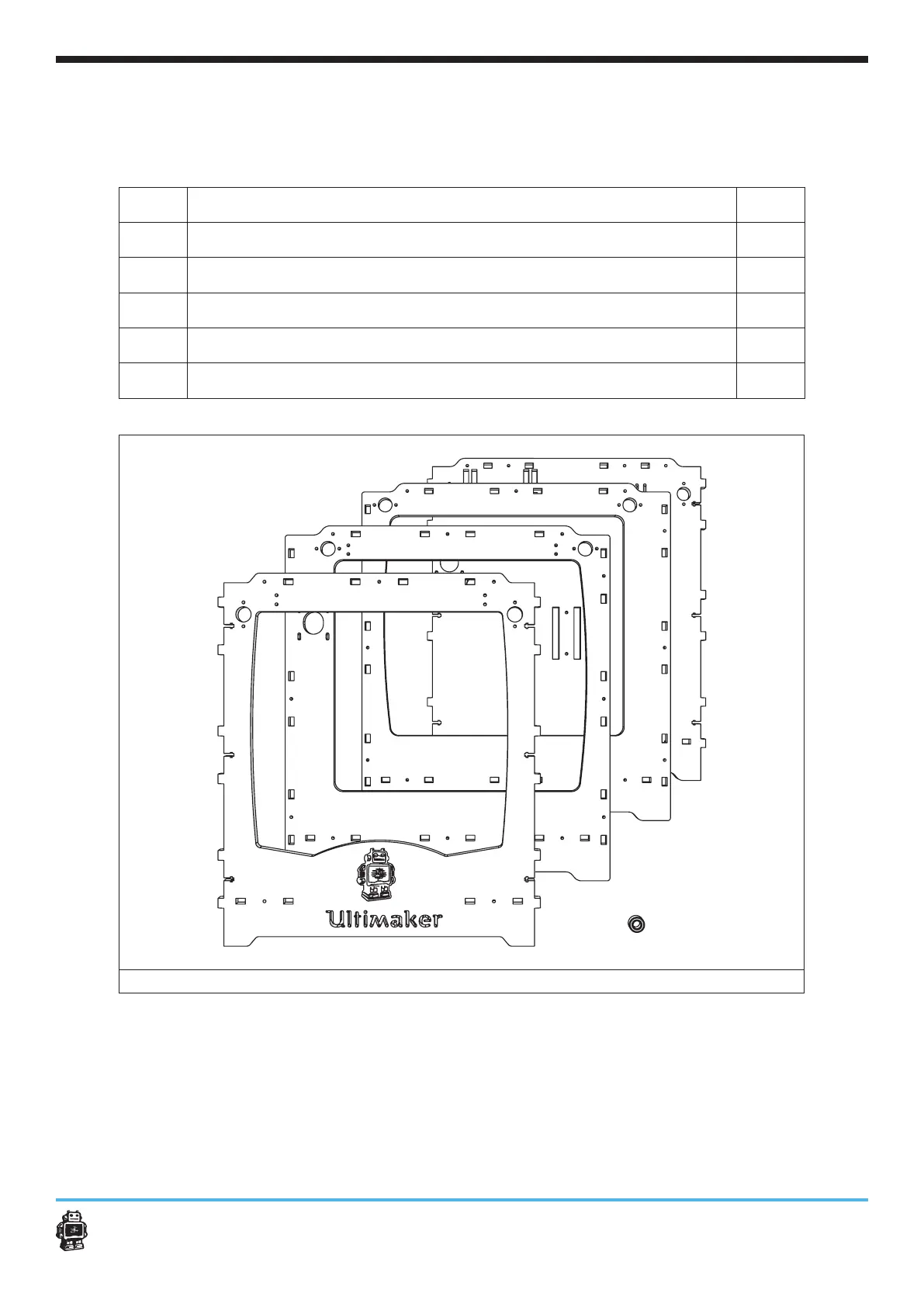
The following parts are needed in this step.
Letter Description Qnty.
A
FRONT panel 1
B
LEFT panel 1
C
RIGHT panel 1
D
BACK panel 1
E
ball bearings 8mm 8
8 x
image 2: parts needed for this step
Every panel needed for this step has two corresponding holes.
To place the ball bearings, perform the following actions:
1. Get a panel.
2. Place the ball bearings.
Make sure you place the ball bearings as deep as shown in image 3.
3. Repeat action 1 and action 2 for all panels.
A
C
D
B
E












 To Next Page