Ultra Electronics Ltd
Magicard Pronto User Manual
- 10 -
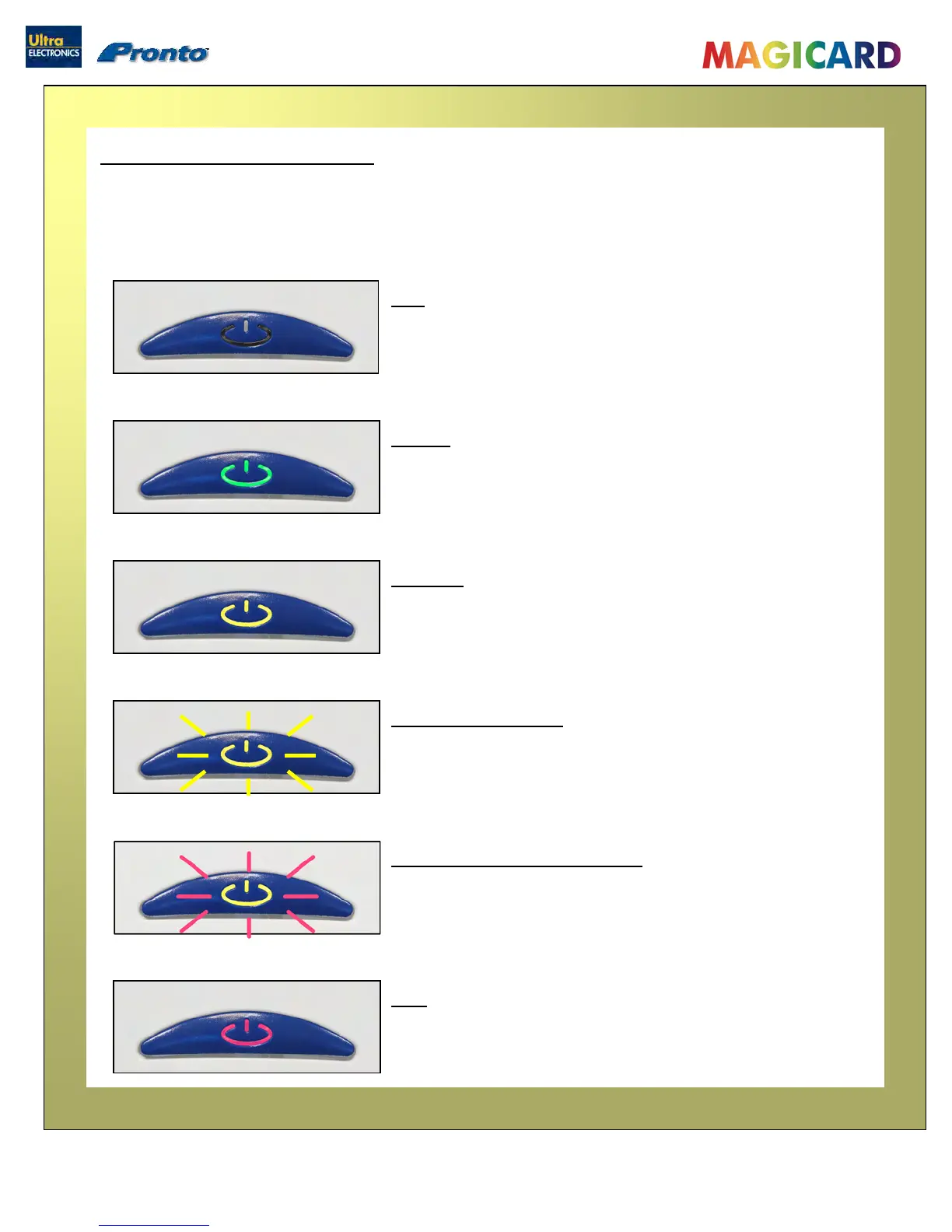
Multi-coloured Button functions
The Pronto is fitted with a multi-coloured Button to indicate t
he
various functions of the Printer.
hese functions are indicated below :
OFF
- Button not illuminated – the Printer is powered off.
RED
– Indicates an error condition. Read the displayed error
message from the PC screen (e.g. “out of Dye-Film”)
GREEN
– Indicates a ‘Ready’ condition - the Printer is ready to accept a
print job.
YELLOW
– Indicate
s the Printer is busy (such as file downloads, printing
etc.)
FLASHING YELLOW
– Indicates the Printer is waiting for a card to be fed into the
Card Feed Slot.
FLASHING RED YELLOW
– Indicates the Printer is waiting for the card to be removed
from the Card Feed Slot.



 To Next Page