Ultra Electronics Ltd
Ma
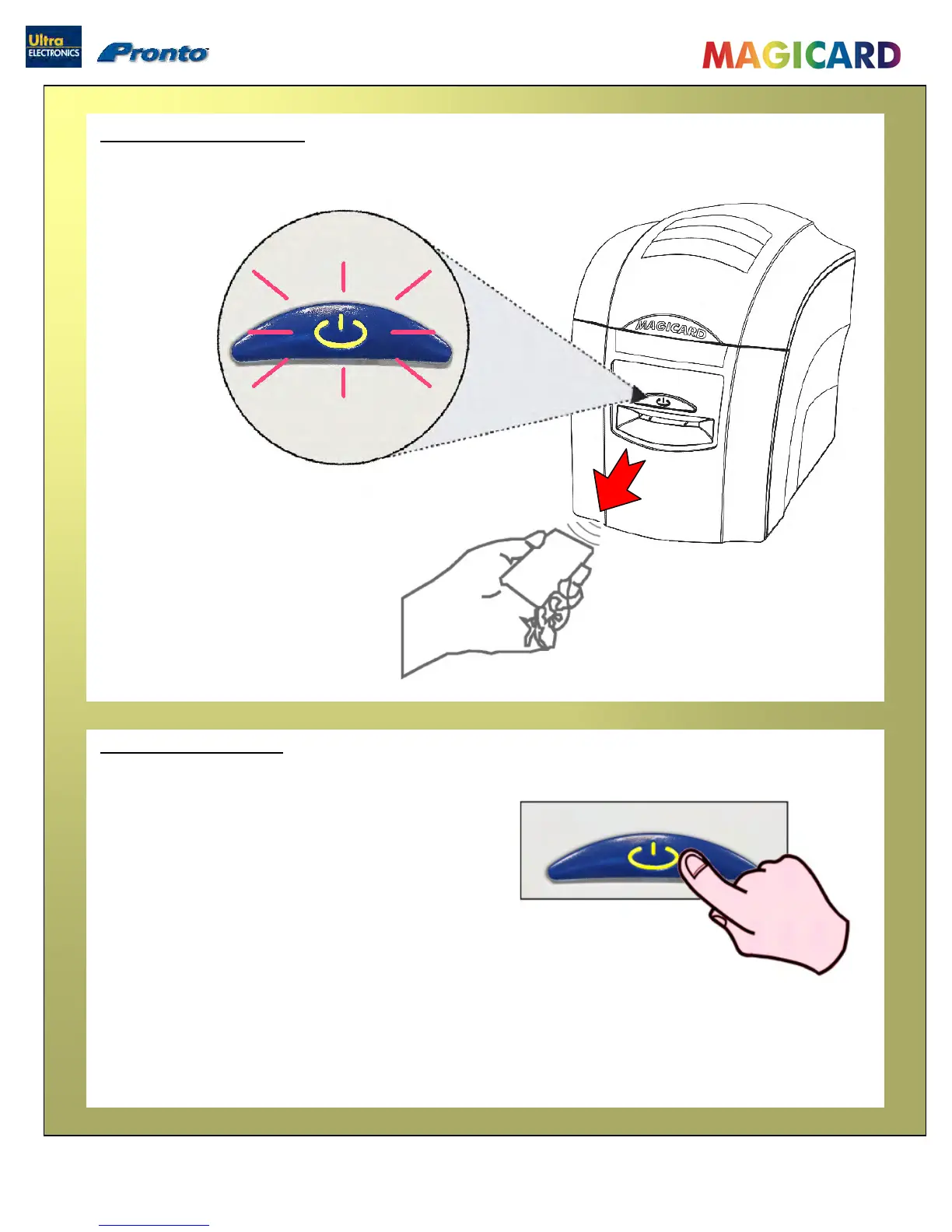
Removing printed cards
gicard Pronto User Manual
- 13 -
When the button FLASHES RED YELLOW …
… remove the card from the front card slot.
Cancelling a print job
Any print job can be cancelled.
This can be done while the printer is
downloading the image or printing it …..
…. when the button is yellow, just press once and release.
x1


 To Next Page