Ultra Electronics Ltd
Magicard Pronto User Manual
- 20 -
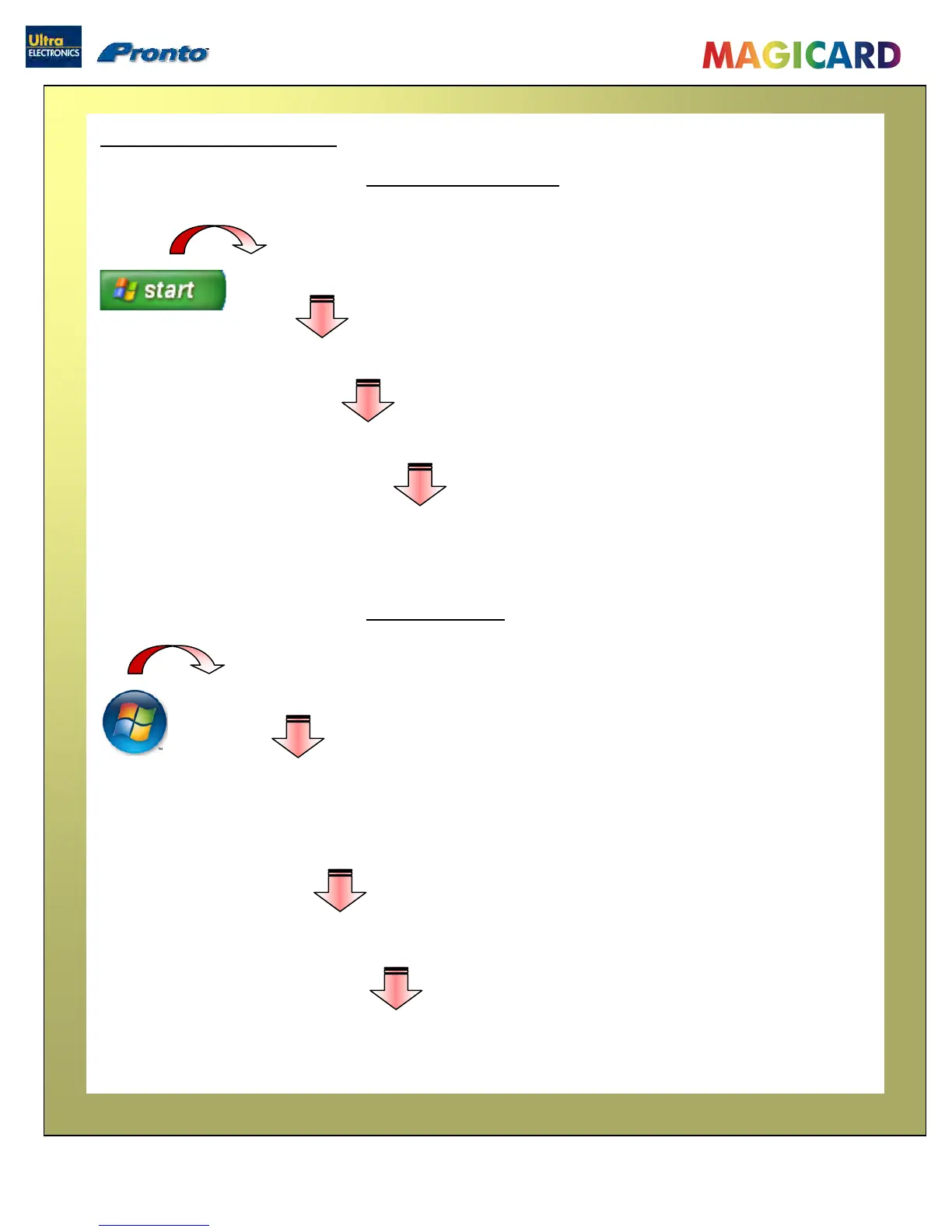
To uninstall the Printer Driver from Windows 2000 and XP :
To uninstall the Printer Driver from Windows Vista :
Uninstalling the UltraDriver
1. On the PC, go to “Start” then “Control Panel”
2. In the Control Panel, select “Add or Remove Programs”
3. Select the “Magicard Pronto” entry, and click on “Change/Remove”
4. Now just follow the prompts from the ‘Printer Uninstall’ application.
1. On the PC, go to the “Windows” logo then “Control Panel”
2. In the Control Panel :-
if in ‘Category View’ - select “Uninstall a program”
if in ‘Classic View’
select “Pro
rams and Features”
3. Select the “Magicard Pronto” entry, and click on “Uninstall/Change”
4. Now just follow the prompts from the Printer Uninstall application.


 To Next Page