16
3. Setup
This chapter describes the necessary preparation from when you receive the system until it can be used
and precautions about the system.
3-1. Unpacking
Unpack the system and remove the components.
When unpacking the system, check the number of accessories and inspect the exterior of the unit
and accessories.
• Standard accessories
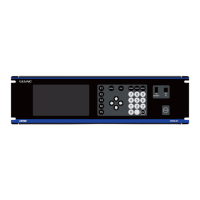
Unit 1
* Cables are all optional accessories
When removing the unit from the shipping container, attach the M8 eye bolts inserted through a
spring washer and flat washer as shown in Figure 3-1 and suspend the unit by four points.
The power supply's center of gravity is toward the rear of the unit. Use extra caution when suspending the
power supply with a crane.
Figure 3-1 Eye bolt attachment positions



 To Next Page