DC Power Supply [DPG-30R & DPG-MC60R, DPG-MC120R, DPG-MC240R]
36
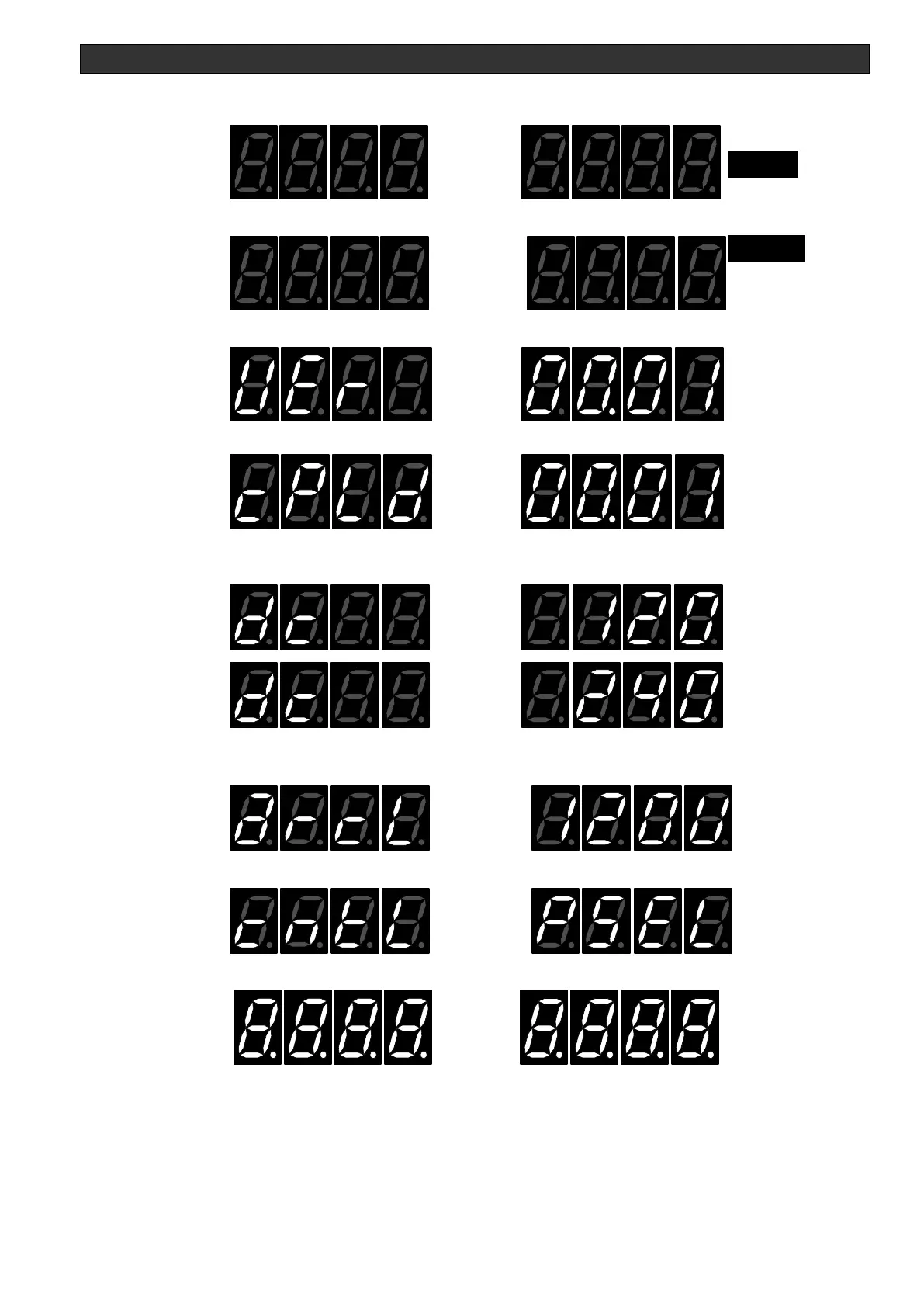
7. SET LED turns on for 0.2 seconds
8. MARC LED turns on for 0.2 seconds
9. The CPU firmware version turns on for 1.0 second ex: Ver 00.01
10. The CPLD firmware version turns on for 1.0 second ex: Ver 00.01
11. The current DC equipment type is shown for 1.0 second, this display changes with the
power selector switch setting
HARC
kW
A
MARC
SET
V
HARC
kW
A
MARC
SET
V
12. ARC LEVEL display
The display changes with the ARC LEVEL selection switch.
13. Control display ex: PSEL P control
14. All 7-segment LEDs turn on for 3 seconds



 To Next Page