Illustration 7 : Video signal triggering
To observe an individual video circuit, use the video
trigger function to obtain a stable display of video
To trigger in the video field, follow the steps below :
1. Press [ ] in the trigger control zone to
display the trigger menu.
2. Press [ ] then [ to set the type to video
3. Press [ ] then turn the control
knob to set trigger source to CH1 Next press
the control knob to confirm
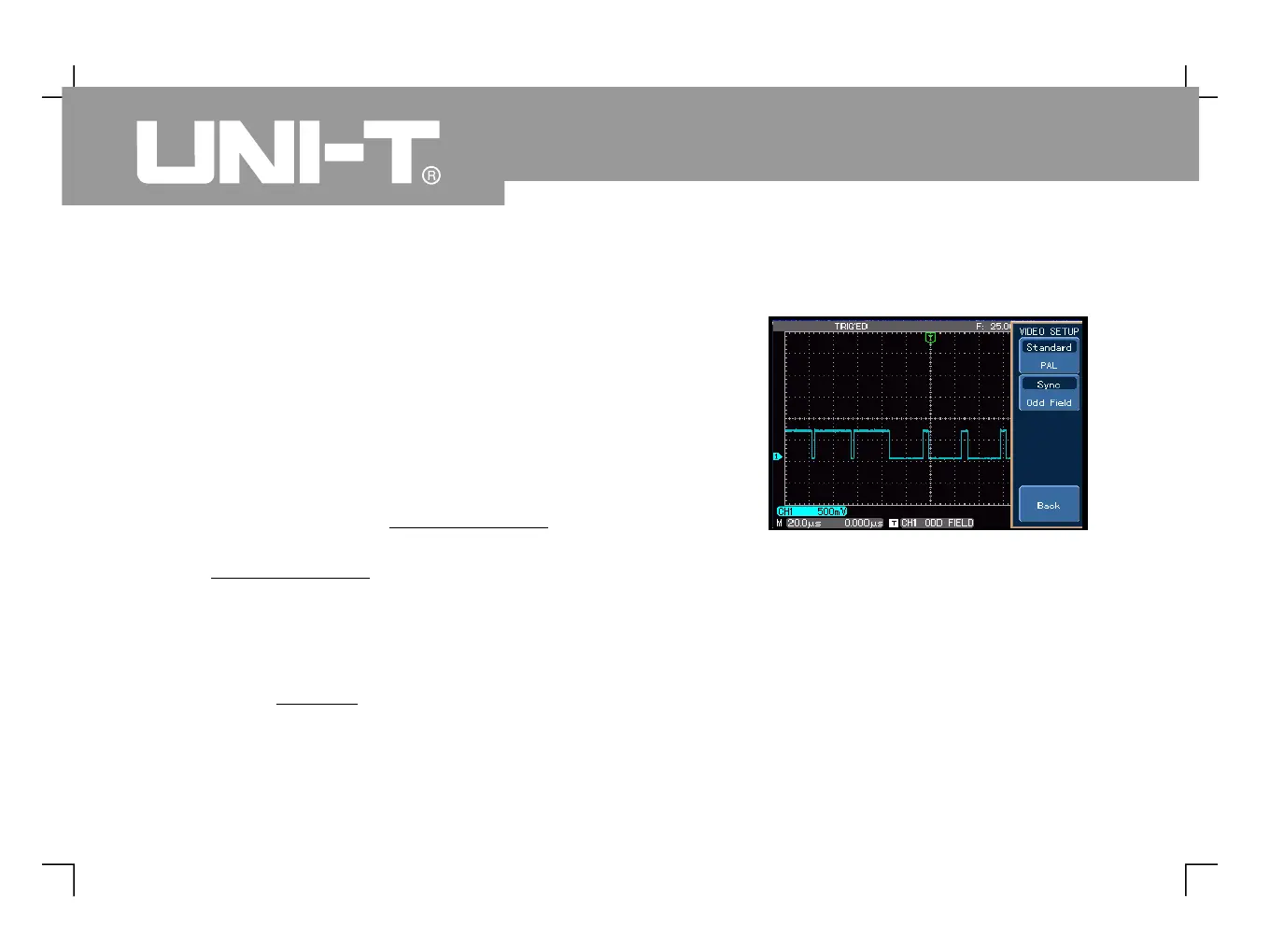
4. Press [ ] to enter the video setup screen then
press [ ] to select PAL as video format
5. Press [ ] to select odd field or even field
6. Turn the knob in the horizontal
control zone to adjust horizontal
Figure 3-11 Video field triggering



 To Next Page
 Loading...