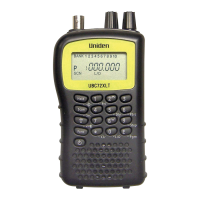
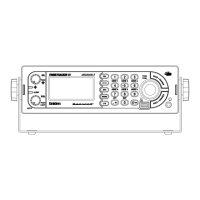
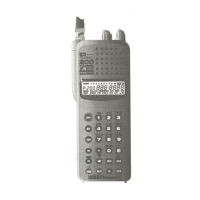
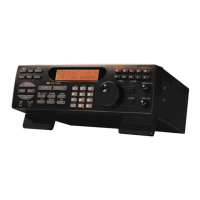
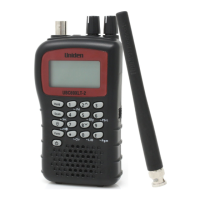
UBCD396XT
128
While monitoring a channel, turn the SELECT-VOLUME-SCROLL knob
to resume scanning.
FUNCTION + turn the SELECT-VOLUME-SCROLL knob to select a
system.
The scanner starts scanning at the system you select here.
FUNCTION + tap MENU to edit the current system.
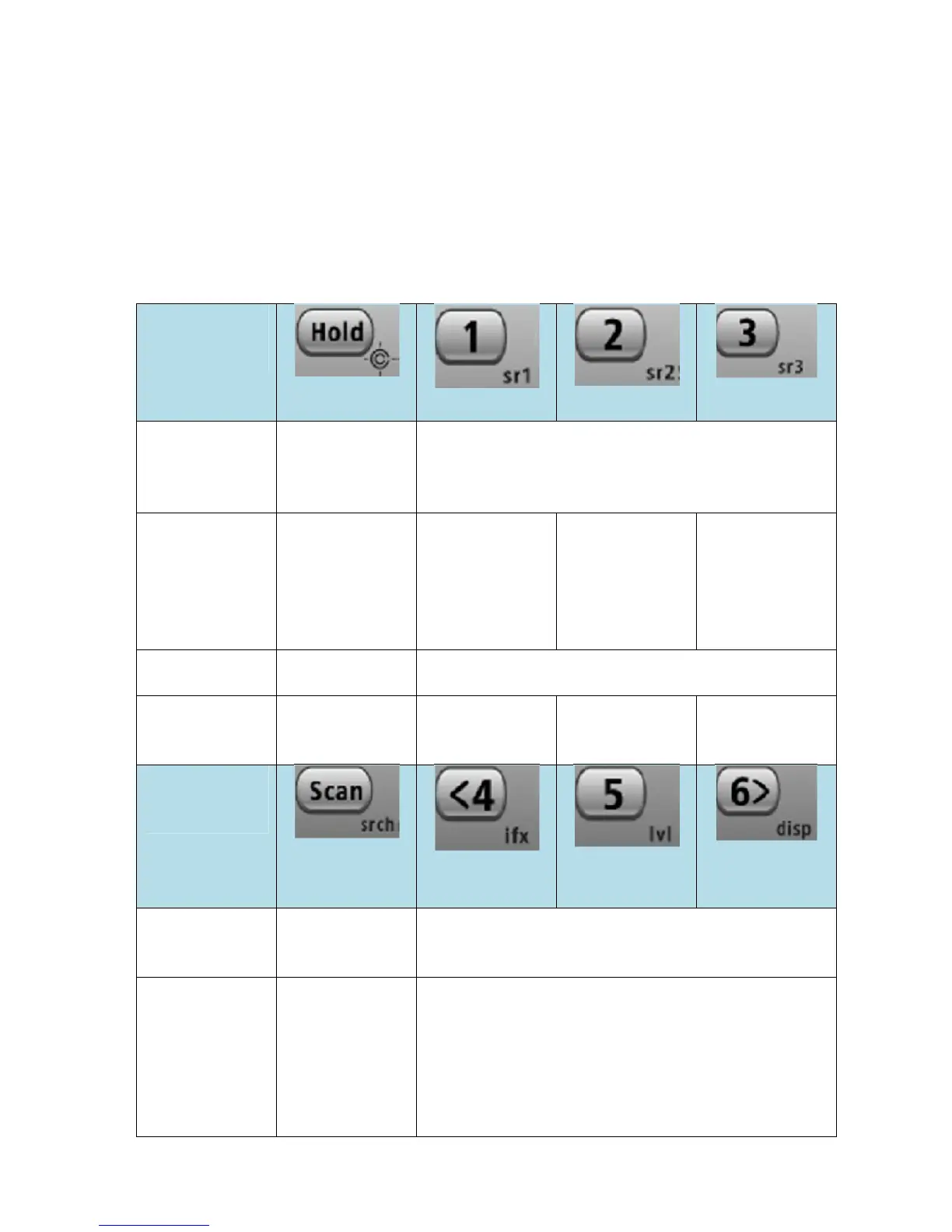
Keypad controls
Key Name
(2
nd
operation)
Action On
HOLD (Close
Call)
1 (Search 1)
2 (Search 2)
3 (Search 3)
Tap Enter Hold
mode (the
scanner opens
squelch).
Disable the systems or sites assigned to this
System/Site Quick Key (SQK). Tap again to
enable.
Press & Hold Scan the
current system
only. Press &
hold again to
return to
normal scan.
NA NA NA
FUNCTION
+ Tap
Toggle Close
Call Modes
Disable the channel groups assigned to this Group
Quick Key (GQK). Tap again to enable.
FUNCTION
+ Press & hold
Enter Close
Call Only
mode.
NA NA NA
Key Name
(2
nd
operation)
Action on:
Scan (Search)
4 (IF
exchange)
5 (Volume
offset)
6 (Display
mode
Tap Resume
scanning.
Disable the systems or sites assigned to this
System/Site Quick Key (SQK). Tap again to
enable.
FUNCTION
+ Tap
When scanning
a conventional
system, display
the Quick
Search prompt
(enter Search
mode). When
Disable the channel groups assigned to this Group
Quick Key (GQK). Tap again to enable.


 To Next Page