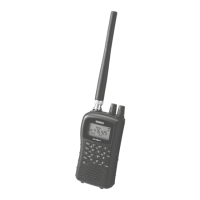
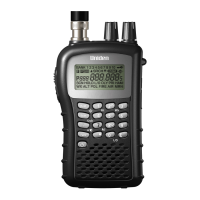
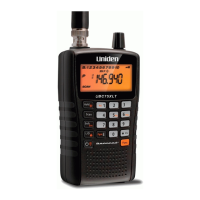
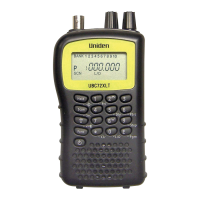
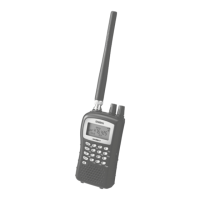
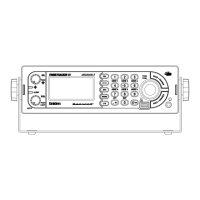
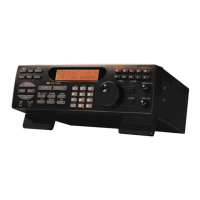
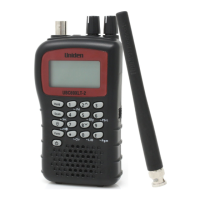
UBCD396XT
8
5. Available Operation Modes
The scanner has several different operation modes; in each mode, the scanner's
operation, display, and key functions can be completely different:
Scan mode
The scanner checks each frequency in the user-programmed list of frequencies. For
trunked systems, it checks each Talk Group ID in the user-programmed list. When
it detects a signal, the scanner stays on the channel and opens squelch. For trunked
systems, if the Talk Group ID becomes active, the scanner switches to the audio
channel and opens squelch. When the signal stops, the scanner continues the scan.
To enter Scan mode, tap SCAN. (This is the default mode when the scanner
powers on.)
Search mode
The scanner checks each frequency that falls within a user-programmed range. For
trunked systems, it checks each control channel in the user-programmed list. When
it detects a signal, the scanner stays on the channel and opens squelch. For trunked
systems, when it detects an active Talk Group ID, the scanner switches to the audio
channel and opens squelch. When the signal stops, the scanner continues the
search.
To enter Search mode, FUNCTION+ tap SCAN. The scanner asks if you want to
perform the Quick Search: tap YES if this is the search you want.
To start a different search, tap NO: the scanner takes you to the Search for... menu,
and you can select your search.
Hold mode
The scanner stays on the current channel and enables save and edit options (options
vary depending on the type of system).
Close Call Priority mode
In Close Call Priority, the scanner interrupts its current operation every 2 seconds,
searches for signals that are stronger than other signals on the selected band, then
returns to the previous operation. When it detects a close call hit, the scanner can
switch to the channel and open squelch (depending on the setting). In Close Call


 To Next Page