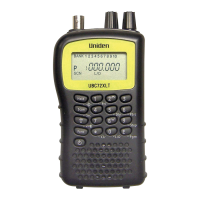
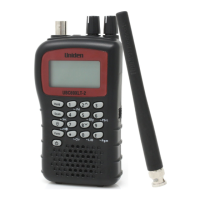
UBCD396XT
85
For Dangerous Xing and Dangerous Roads only
In addition to range, you can specify a heading and a speed limit for these types of
locations:
If you set a speed limit, the scanner will only trigger an alert when you are
within the location's range and your current speed is over the programmed
speed limit.
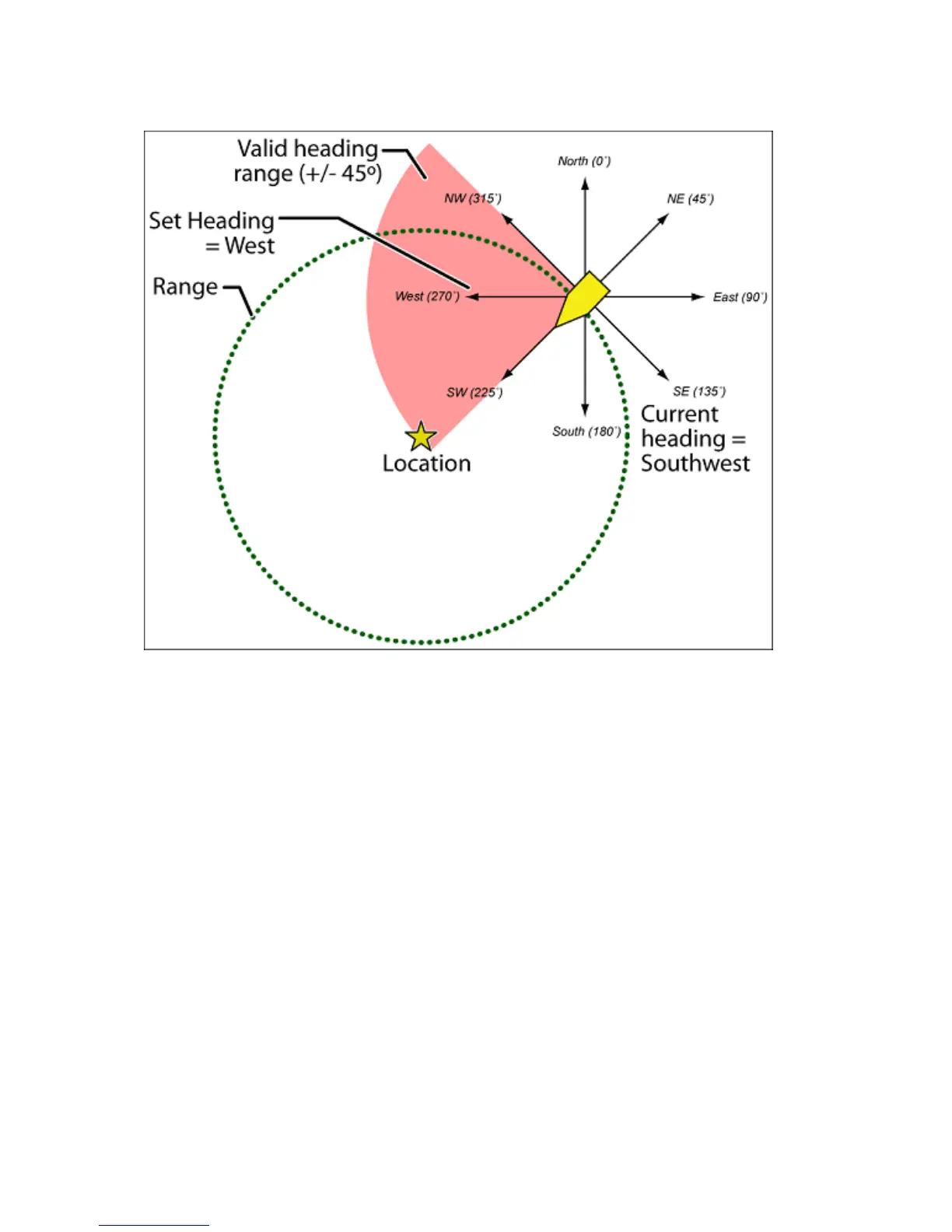
If you set a heading, the scanner will only trigger an alert when you are
within the location's range and your current heading is +/- 45 degrees from
the programmed heading. (For example, if you set the heading as North , the
scanner will trigger an alert if your current heading is North-east but not if
your current heading is due East.)
Edit an existing location
1. Open the Program Location menu.
2. Select the type of location you want to edit; the scanner lists the existing
locations of that type in alphabetical order.
3. Select the location you want to edit, then change any of the location settings
you want.


 To Next Page