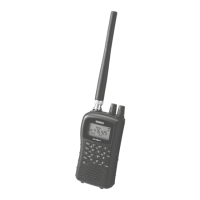
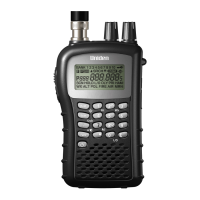
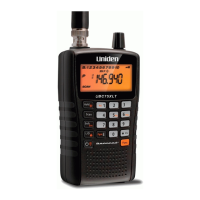
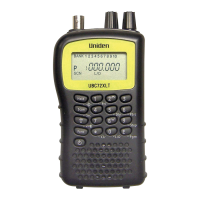
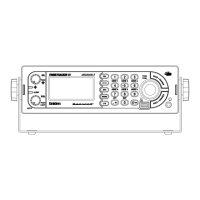
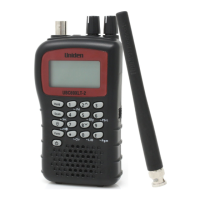
UBCD396XT
84
intersections ( Dangerous Xing )
roads ( Dangerous Road )
You can program the scanner to alert you when you come within a designated
distance of that location.
To create a new location
1. Open the Program Location menu.
2. Select the type of location you want to create.
3. Select New Location to create a new location of this type.
4. If you want to create a different type of location, go back to the Program
Location menu and select that location type.
5. If you want to change the default location name, select Edit Name and enter
a new name.
6. Select Set LocationInfo and enter the latitude and longitude for this location.
7. Select Set Range and enter the distance from this location you want the
scanner to alert you.
8. Choose the Alert Tone and Alert Light you want the scanner to use when you
come within range of this location.


 To Next Page