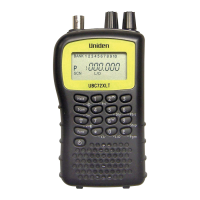
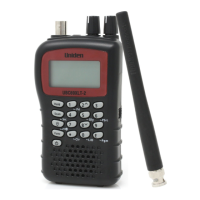
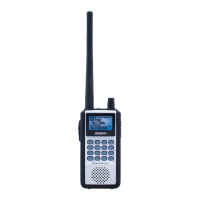
UBCD396XT
4
Note! Always use 50- or 75-ohm, RG-58, or RG-8, coaxial cable and the
supplied SMA/BNC adapter to connect an outdoor antenna. If the antenna is
over 50 feet from the scanner, use RG- 8 low-loss dielectric coaxial cable.
Cable loss increases with higher frequency.
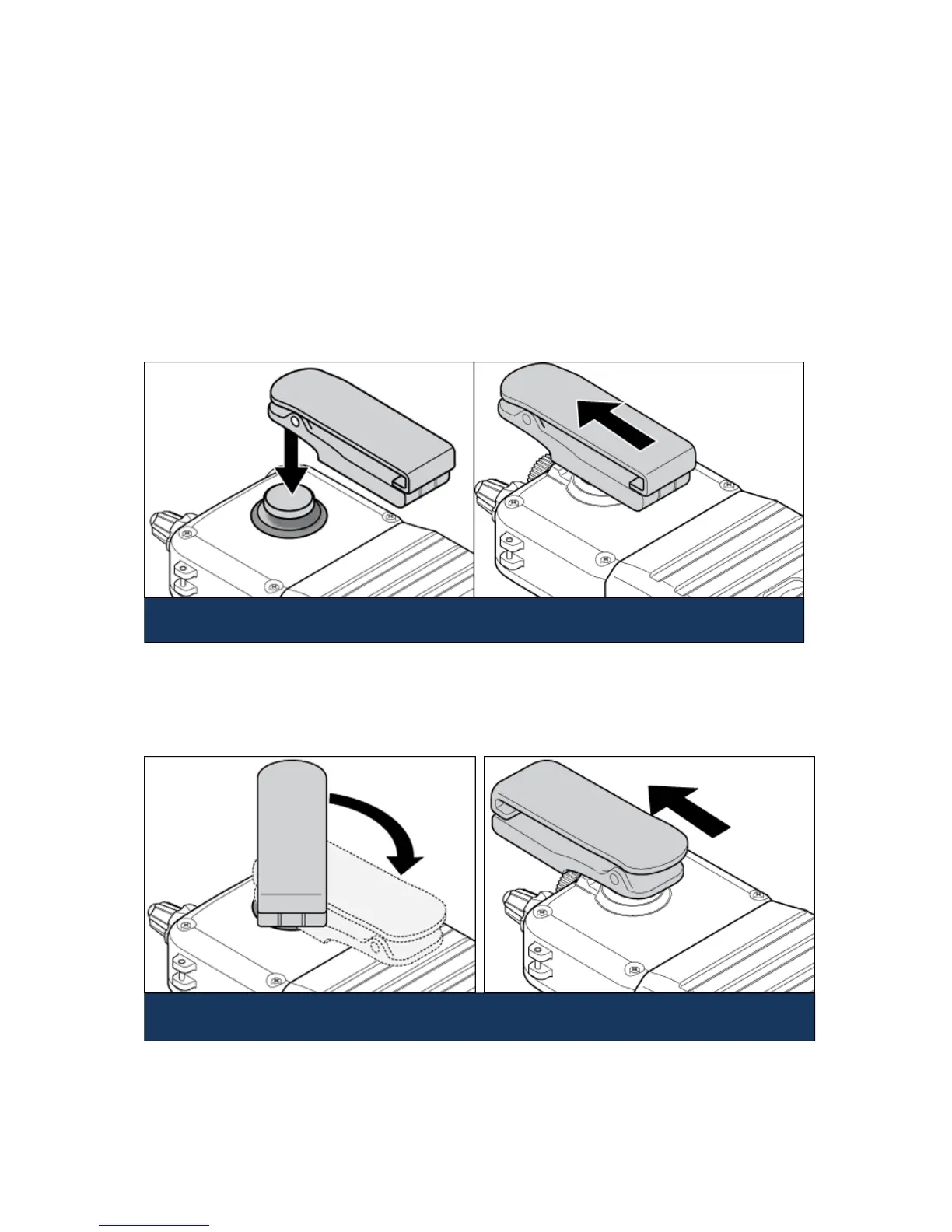
Attach the belt clip
Hold the belt clip with the logo facing you and the hinge facing the top of the
scanner. Place the clip over the post, and slide the belt clip straight up until you
hear it click into place.
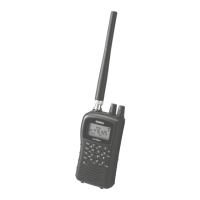
To remove the belt clip
Rotate the scanner so the scanner is bottom-side up. Then slide the scanner straight
up until it comes free from the belt clip.
Place the clip over the post. Slide the clip up into place.
Rotate the scanner 180 degrees. Slide the scanner up and off the belt


 To Next Page