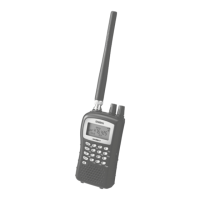
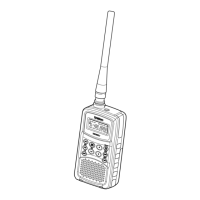
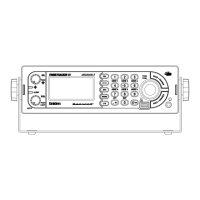
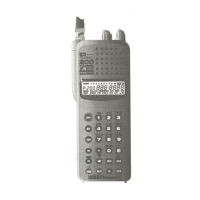
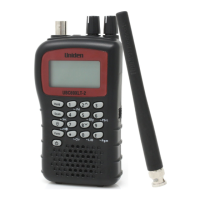
UBCD396XT
14
7. Menu tree
Main menu
Program System
Program Location
Srch/CloCall Opt
Search for...
Close Call
Priority Scan
Tone-Out for...
Wired Clone
Settings
Using the menu
To open the menu, tap MENU.
Turn the SELECT-VOLUME-SQUELCH knob to move the cursor and
highlight menu items. The currently highlighted item appears in reversed-out
text.
To select the highlighted item or confirm an option setting, tap E-YES or
press down on the SELECT-VOLUME-SQUELCH knob.
To cancel an option setting, press NO.
To go back one level in the menu, tap MENU.
To exit the menu, press LOCKOUT. The scanner goes back to the operating
mode it was in before you entered the menu.


 To Next Page