AC-5000 / 5100 User Guide 24
UNIONCOMMUNITY Co., Ltd. / 12F, Daemyung Valeon, 127, Beobwon-ro,
Songpa-gu, Seoul, 05836, Republic of Korea
TEL: +82-2-6488-3000 / FAX: +82-2-6488-3100 E-Mail :sales@unioncomm.co.kr
http://www.unioncomm.co.kr
3.1.5. Save Environment Settings
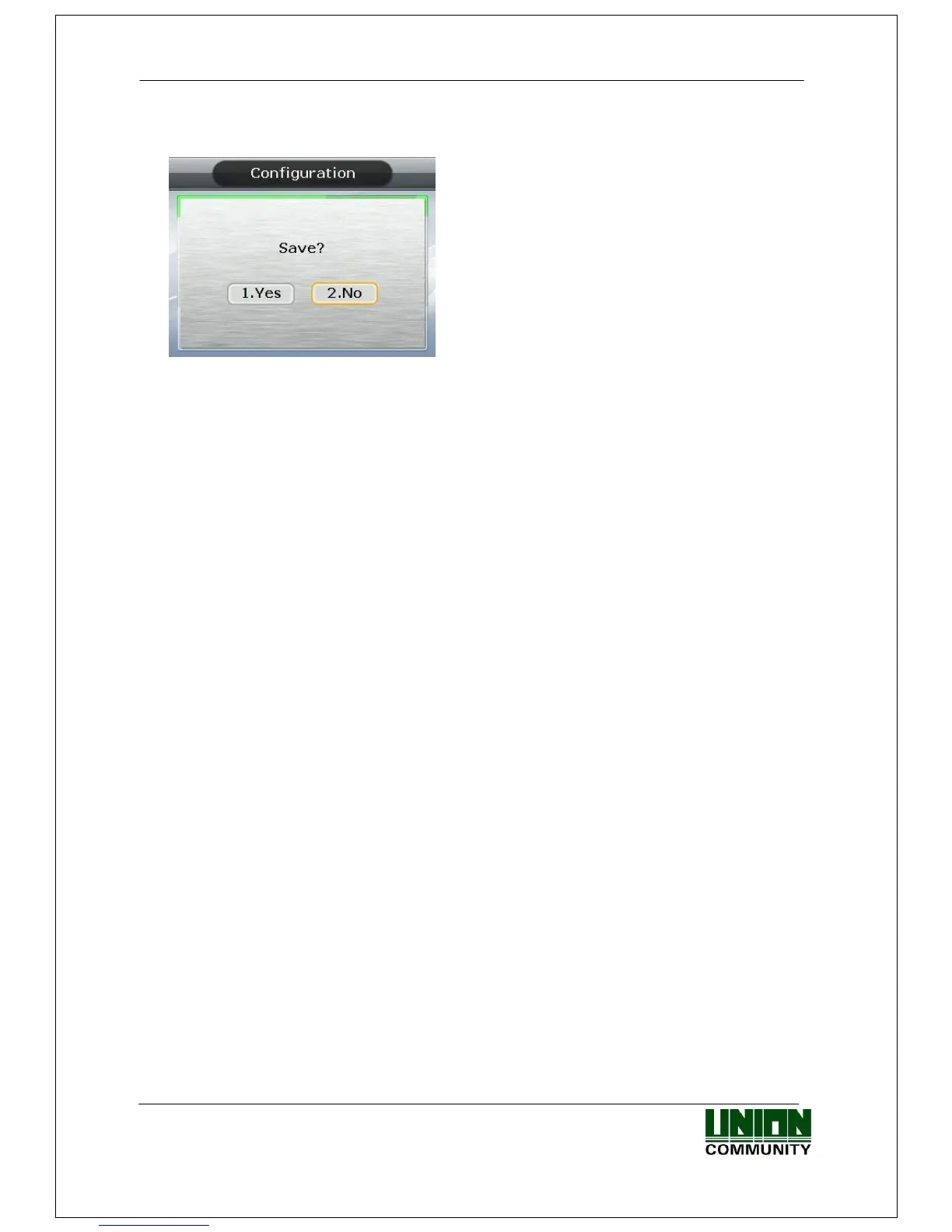
Press the [F4 (←)] key in the main menu screen of <Figure 3-1> to save the changed
settings, and the following screen appears:
<Figure 3-7>
Select [1. Yes] to save the new configuration or [2. No] to cancel it. Then press the
[ENT] key. In this instance, if, after a period of time there is no input the system
returns to the initial screen.
If there is no new content, the system exits from the environment settings menu
without the aforementioned “Save” process.
When the settings are changed in the menu, and if there is no input after a certain
period of time, the system exits from the environment setting menu. In which case,
if there is any revised menu, it should pass through the “Save” process. Otherwise,
it transfers to the initial screen without saving the revised settings.



 To Next Page